Service Status
The Service Status area (under the BUSINESS group) is where operators publish the health of their business services to stakeholders and customers. It has three surfaces: the service catalog (/service-status), the status incidents feed (/service-status/incidents), and the status pages that publish them (/service-status/pages).
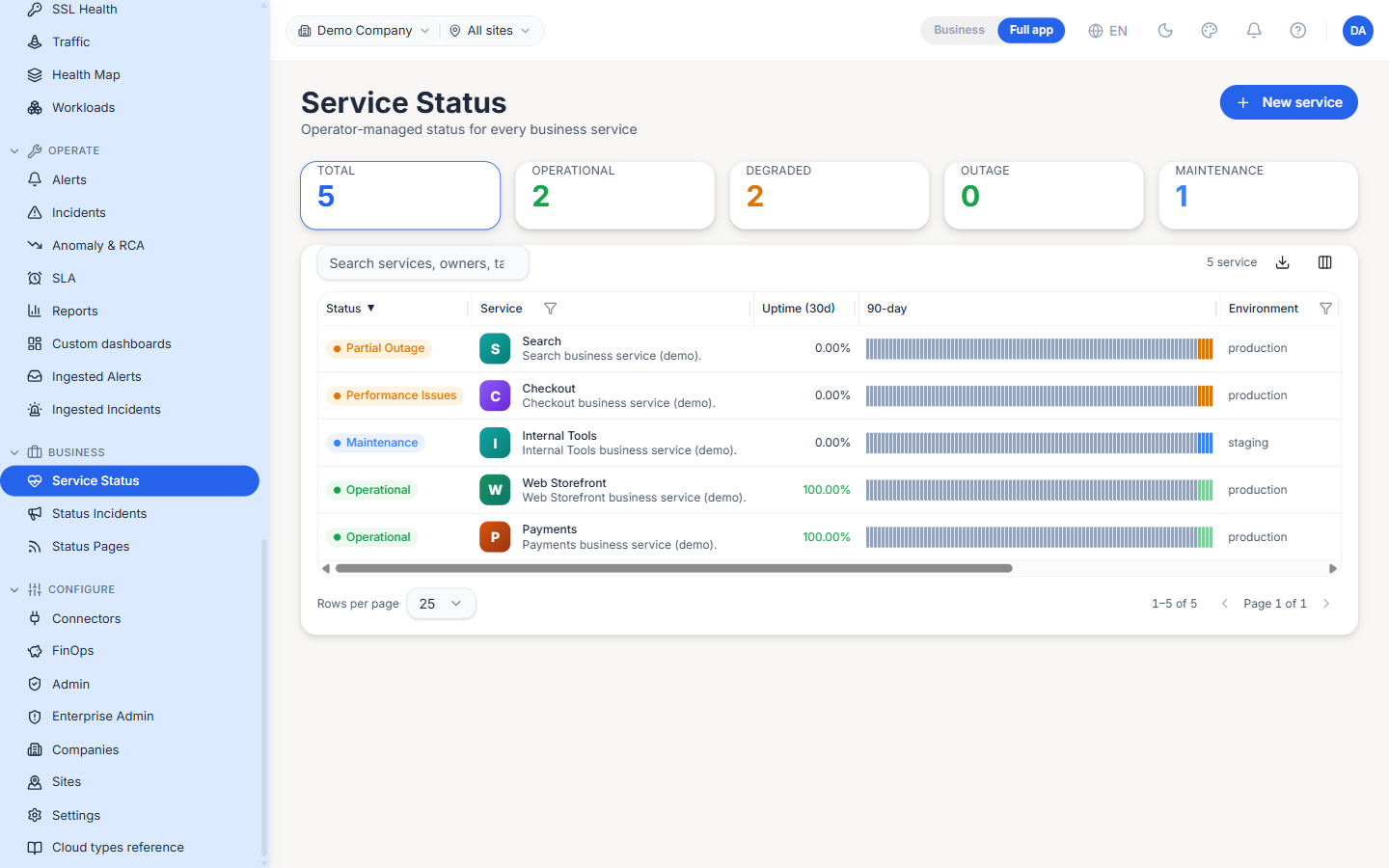
Service catalog
The main page lists every business service you track, each with an operator-set status and a rolling uptime history. A strip of headline counters — Total, Operational, Degraded, Outage, Maintenance — summarises the fleet, and the New service action adds one.
Status vocabulary
| Status | Meaning |
|---|---|
| Operational | The service is healthy |
| Degraded / Performance Issues | The service is up but impaired |
| Partial Outage | Some of the service is down |
| Outage | The service is down |
| Maintenance | Planned work is in progress |
Columns
| Column | Description |
|---|---|
| Status | The current operator-set status badge |
| Service | Service name and a short description |
| Uptime (30d) | Measured availability over the last thirty days |
| 90-day | A compact per-day history bar for the last ninety days |
| Environment | production / staging / etc. |
| Owner / Unit | The team that owns the service |
| Members | People assigned to the service |
| Tags | Free-form labels for filtering |
Search narrows the catalog by service, owner or tag.
Status Incidents
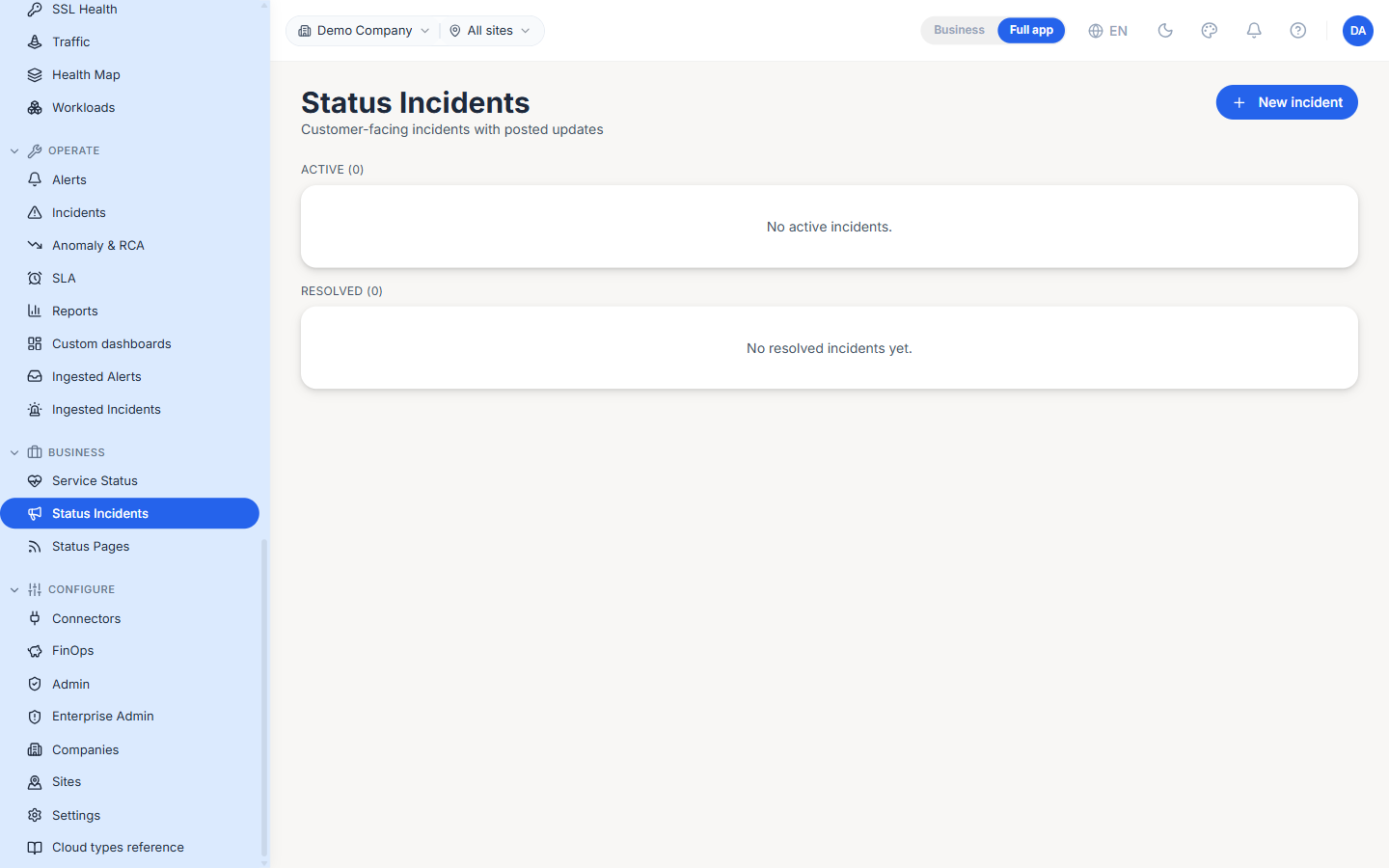
The Status Incidents sub-page (/service-status/incidents) is the customer-facing incident log — the entries that appear on a published status page, each with its own posted updates. It is split into Active and Resolved sections, and the New incident action opens one with an initial update.
These are distinct from the operational Incidents page: status incidents are the public narrative you choose to publish, not the internal rule-engine or ingested cases.
Status Pages
The Status Pages sub-page (/service-status/pages) manages the public and private pages that publish your service status. Each page row shows its name, a Published state, a public / private visibility badge, its URL, and how many services it covers, plus Preview and Subscribers actions. The New page action creates one and lets you attach the services it should display.
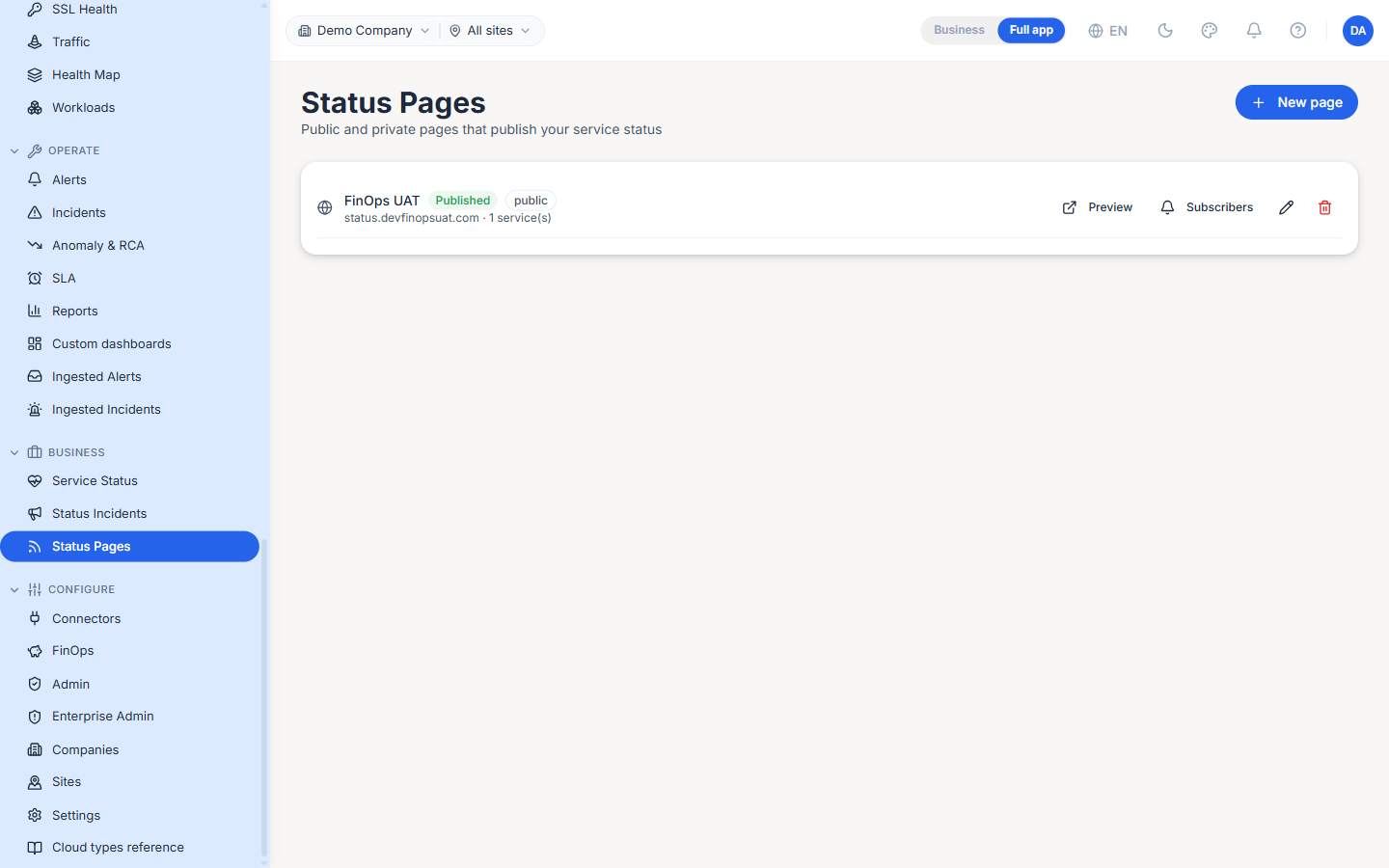
Note: A public status page is reachable by anyone with the URL, so only attach services whose health you intend to share externally. Use a private page for internal-only audiences.
Company & site scope
All three surfaces honour the top-bar scope picker, so each company's services, status incidents and pages are kept separate. Switch companies in the picker to manage each one.
Best Practices
- Set an owner on every service before you publish — status pages read far better when each entry names the team behind it, and it makes routing an outage obvious.
- Post a status incident before flipping a service to
Outage, not after — subscribers get the update alongside the status change instead of a bare red badge. - Keep public and private pages separate. Put customer-visible services on the public page and internal dependencies on a private one, rather than one page with mixed visibility.