Containers
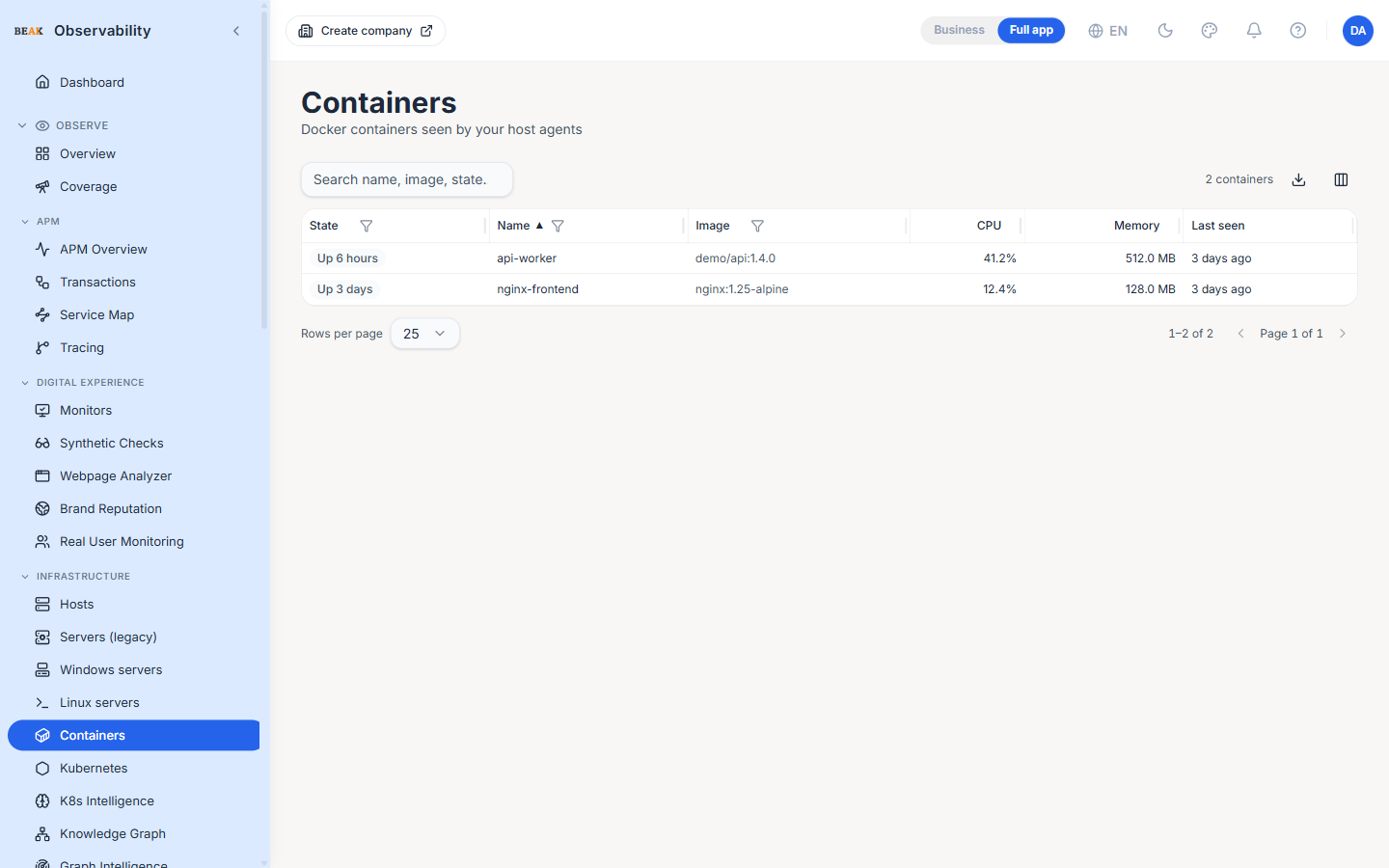
The Containers page lists every Docker container the host agent has seen across the tenant. Containers appear automatically when the agent is running with the Docker socket mounted; no per-container configuration is required.
Columns
- State —
runningis highlighted; other states (exited,paused,dead,created) render as a neutral chip - Name — Container name; the container ID is used as a fallback when the container has no name
- Image — Full image reference (registry/repo:tag), truncated with an ellipsis when long
- CPU — Last-reported CPU utilisation as a percentage of the container's host CPU
- Memory — Last-reported memory usage in bytes
- Last seen — Relative time since the agent reported this container
The table refreshes every ten seconds.
Prerequisites
Containers only appear if the host agent is started with the Docker socket mounted into the agent container. The default agent install instructions cover this; if the page is empty on a host you expected to see, double-check the agent install on that host.
Best Practices
- Sort by
CPUorMemorydescending to find runaway containers across the fleet without running shell commands. - Combine the Hosts page with this view when investigating a noisy host — the host's load average usually points at one or two containers.
- Image filtering is useful in mixed-fleet tenants — type a partial image name in the URL bar to slice by registry / team prefix.
Related Pages
- Hosts — The host fleet that runs these containers
- Kubernetes — Pod-level container telemetry for orchestrated workloads