Workloads
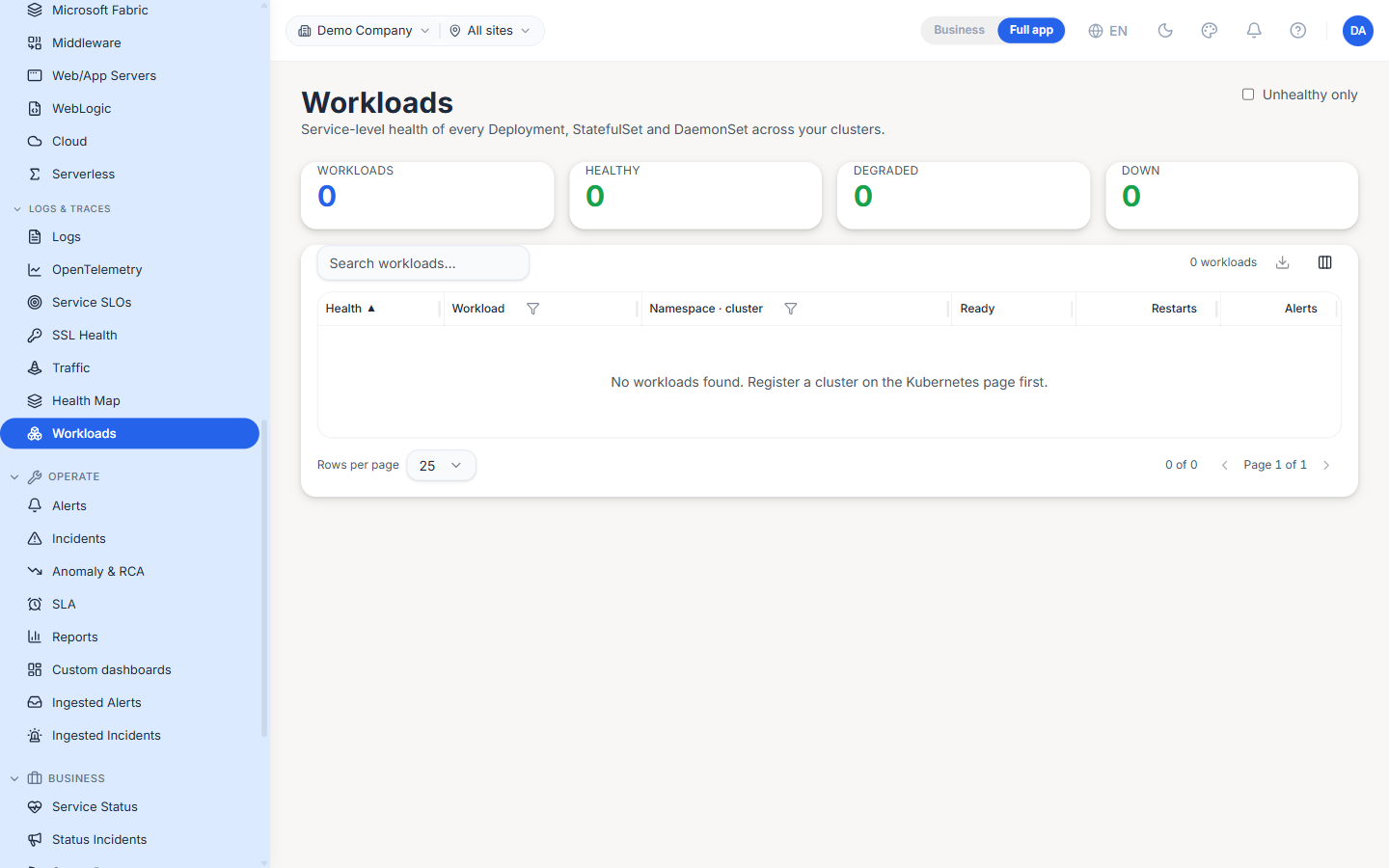
The Workloads page (/kubernetes/workloads, under the Infrastructure group) rolls every Deployment, StatefulSet and DaemonSet across your registered clusters into one service-level health table. Where the Kubernetes page is cluster-and-resource oriented, this page answers a single question — "which workloads are unhealthy right now?" — across all clusters at once.
Headline counters
A strip of counters summarises the fleet: Workloads (total), Healthy, Degraded and Down. The Unhealthy only toggle hides everything that is healthy so you can focus on what needs attention, and the search box narrows by workload name.
Columns
| Column | Description |
|---|---|
| Health | Rolled-up workload health — healthy / degraded / down |
| Workload | The workload name |
| Namespace · cluster | Where the workload runs |
| Ready | Ready replicas over desired (e.g. 2 / 3) |
| Restarts | Container restart count |
| Alerts | Count of alerts currently attached to the workload |
The table sorts by health so the least-healthy workloads surface first.
No clusters yet
Until a cluster is registered, the table shows No workloads found. Register a cluster on the Kubernetes page first. Register one on the Kubernetes page, and its workloads populate here on the next sync.
Best Practices
- Start triage with Unhealthy only on — it turns a fleet-wide list into just the workloads that need you.
- Treat a rising Restarts count as an early signal even when Ready still reads full; a crash-looping container often flaps back to ready between restarts.
- Cross-check a degraded workload against its Alerts count — a workload that is degraded with zero alerts usually means a missing alert rule, not a healthy service.
Related Pages
- Kubernetes — Cluster registration and the per-cluster resource tabs
- Cluster Map — The visual, plain-language view of the same health
- K8s Intelligence — Current and predicted Kubernetes problems