Connectors
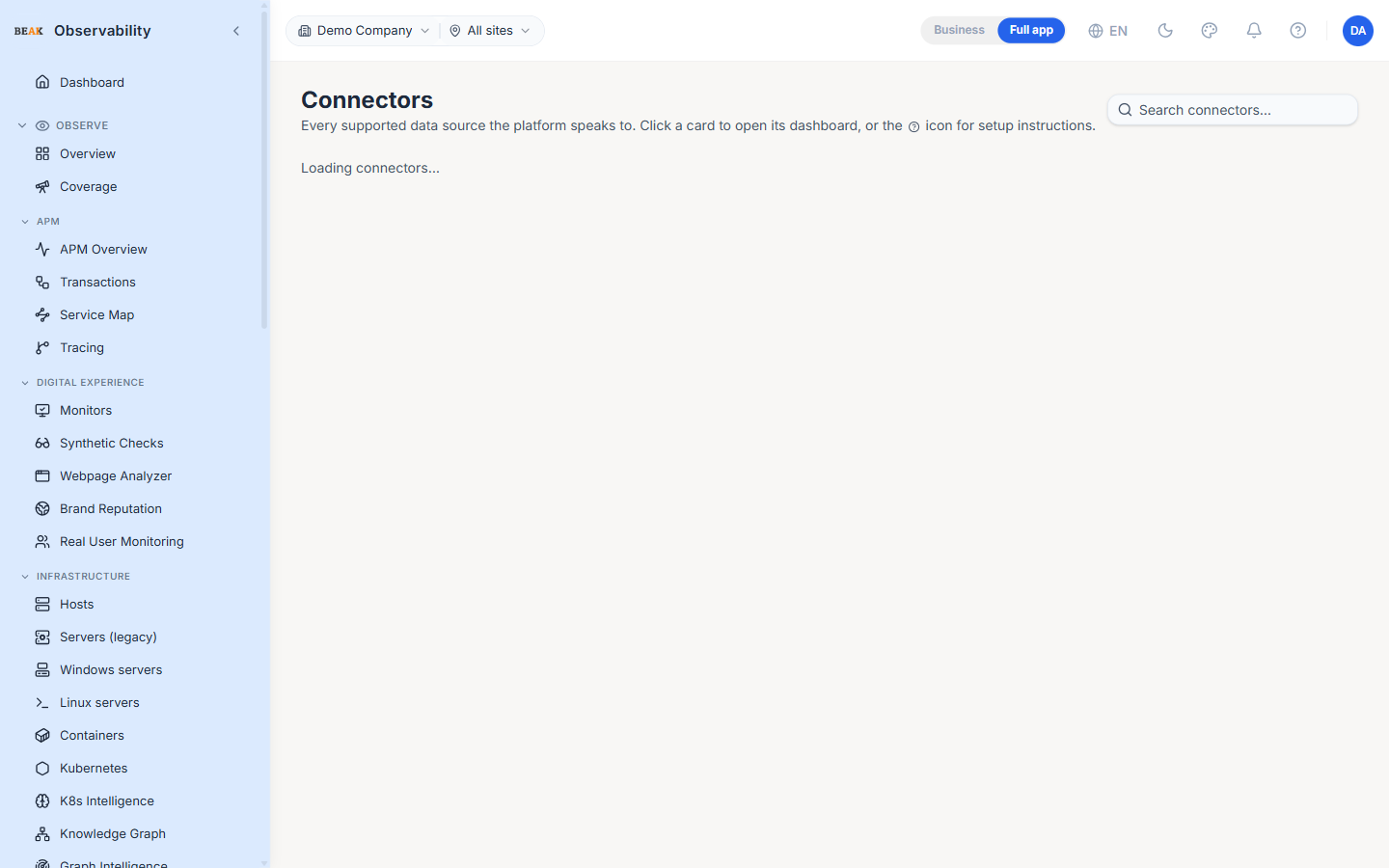
The Connectors page is the catalog of every data source the platform can ingest from. Each card represents one connector type, shows whether the tenant has any configured instances, and exposes setup instructions or a dashboard link for that source.
Status Vocabulary
Three states per card:
active— One or more configured instances are reporting dataidle— Configured instances exist but haven't reported data recentlynot configured— No instances configured for this connector type
Categories
Connectors are grouped into sections so the page is scannable:
- Cloud providers — AWS, Azure, GCP, Mongo Atlas
- Compute — Hosts, containers, Kubernetes
- Databases — Postgres, MySQL, SQL Server, Mongo, Cosmos DB, Azure SQL, Oracle, and the rest of the database catalog
- Middleware — Kafka, RabbitMQ, Redis and other message brokers / caches
- Web servers — Nginx, Apache, IIS, Tomcat
- Observability backends — OpenTelemetry, Splunk, Datadog
- ITSM — PagerDuty, ServiceNow, Jira, Opsgenie
Each section can collapse independently — useful for tenants who don't use a whole category.
Setup Dialog
Clicking the help icon on a card opens the setup dialog. It renders a markdown setup guide tailored to the connector — credentials needed, agent install steps, configuration snippets, and verification checks. For Kubernetes the dialog includes a seeder panel that materialises the hundred-rule Kubernetes alert catalog for each registered cluster in one click.
Dashboard and Configure Links
Each card has two link targets:
- Open dashboard — Jumps to the page that surfaces this connector's data (e.g. the Kubernetes connector card → the Kubernetes page)
- Configure — Jumps to the matching setup page or settings tab to add a new instance
Best Practices
- Walk the catalog the first time a tenant is set up — every card you make
activeis a data source the team can now alert and report on. - The setup dialog's markdown is the canonical reference for credentials and permissions; don't rely on tribal knowledge for production connector setup.
- The K8s Catalog Seeder is idempotent — re-running it on a cluster that already has the rules reports
0 created, 100 skipped, so it's safe to click during an environment promotion. - Keep an eye on
idlecards in production — they usually indicate a connector that's lost its credentials or its source has gone quiet.