Graph Intelligence
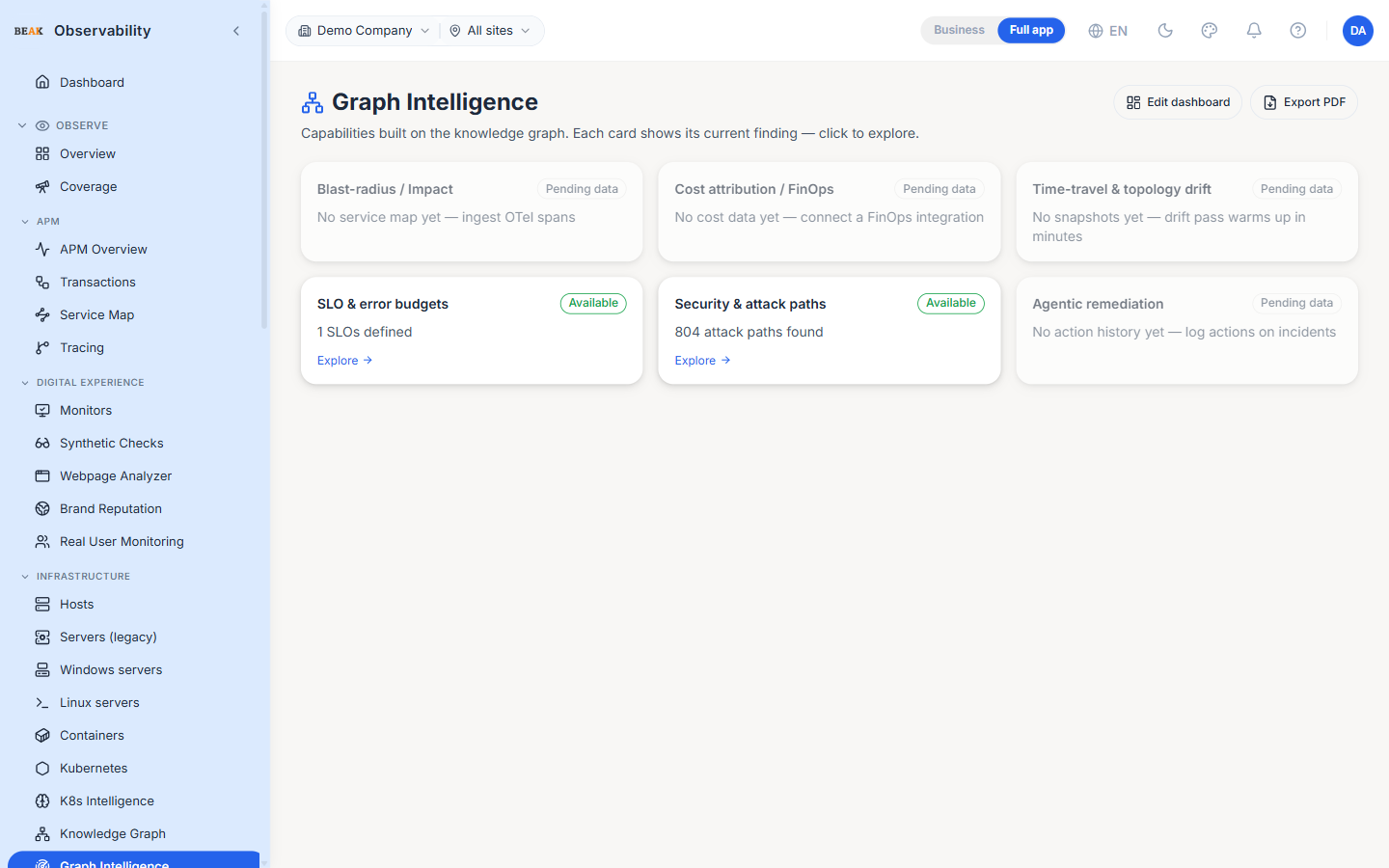
The Graph Intelligence page is a capability grid built on top of the Knowledge Graph. Each card represents one graph-powered capability and shows its current finding at a glance; clicking a card opens that capability for deeper exploration. Cards that don't yet have the data they need show a Pending data badge with a one-line hint on what to connect. The header carries Edit dashboard and Export PDF actions.
Capability Cards
Each card carries a status badge — Available when it has data to show, Pending data when a prerequisite is missing.
- Blast-radius / Impact — Walks the graph from an affected entity to show everything downstream it can impact. Requires a service map; ingest OpenTelemetry spans to populate it.
- Cost attribution / FinOps — Attributes spend across the graph. Requires a connected FinOps integration.
- Time-travel & topology drift — Compares graph snapshots over time to surface topology drift. Warms up once snapshots have been captured.
- SLO & error budgets — Tracks service-level objectives and remaining error budget. Requires SLOs defined in
Settings → SLOs. - Security & attack paths — Surfaces reachable attack paths across the graph (e.g.
804 attack paths found). Opens the Security Posture view. - Agentic remediation — A running history of agent-driven remediation actions. Populates once actions are logged on incidents.
Note: A
Pending databadge is not an error — it means the capability is ready but waiting on an upstream signal such as spans, cost data, snapshots, SLOs, or logged actions.
Best Practices
- Use this page as the index of what the graph can do today — the badges tell you which capabilities are live and which are still waiting on data.
- When a card shows
Pending data, follow its hint to connect the missing source; the capability lights up automatically once data arrives. - The Security & attack paths card is the fastest route into a posture review — use it as the jumping-off point during a security triage.
Related Pages
- Knowledge Graph — The graph these capabilities are built on
- Predictions & Intelligence — Proactive scoring built on the same data
- Security Posture — The full attack-path and compliance view
- K8s Intelligence — Graph-driven intelligence scoped to Kubernetes
- FinOps — Cost data behind the cost-attribution card