Department Analytics
Department Analytics provides a roll-up of productivity metrics organized by department — useful for HR, delivery heads, and CIOs who need to compare engineering vs sales vs operations without drilling into individual users.
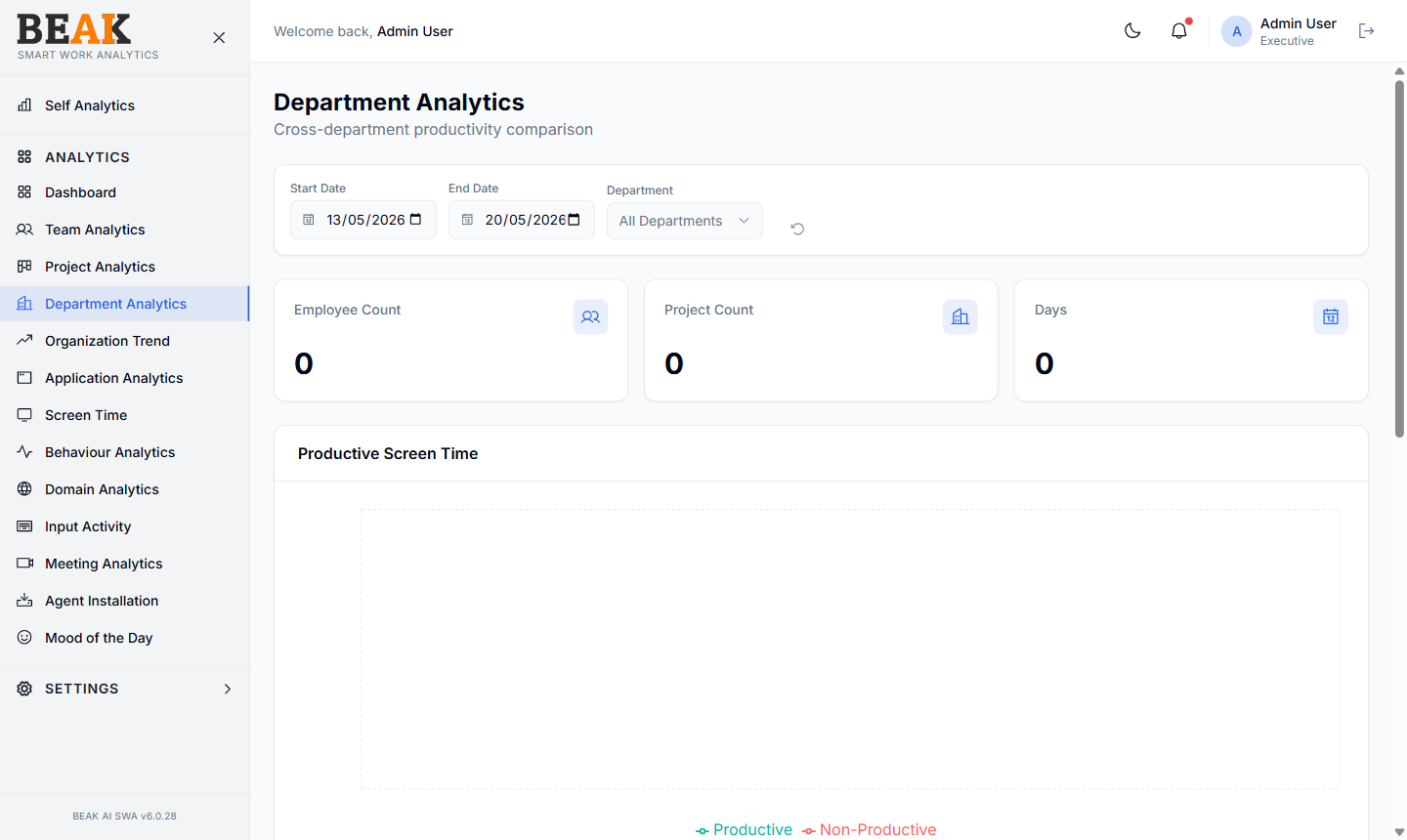
Filters
- Start Date / End Date — Period under analysis
- Department — Filter to a single department, or
All Departments
Summary Tiles
Three tiles sit between the filter bar and the charts and roll up the selected scope:
- Employee Count — Distinct employees with activity in the filtered departments
- Project Count — Distinct projects those employees worked on
- Days — Calendar days in the selected window that have at least one recorded minute
Charts
Productive Screen Time
A bar chart comparing productive hours per department over the selected window. The cleanest signal of which departments are actually getting work done.
Activity Time
Total activity hours (active screen time) per department. Use this alongside Productive Screen Time to spot departments where people are present but time is going unproductive.
Unit Time
Hours per organizational unit — a finer-grained breakdown when departments are split into sub-units. If your organization doesn't track sub-units, this chart will mirror Activity Time.
Top Applications by Department
A bar chart of the dominant applications per department. This is the fastest way to validate that each department is using its expected toolchain — sales should show CRM and email, engineering should show IDEs and source control, and so on.
Best Practices
- Compare departments only over equal-length windows — month-to-month is more meaningful than mixing a 5-day vs 30-day window.
- A department with low productive hours but high activity time is the strongest signal for an investigation — start by drilling into Application Analytics with that department filter applied.
- Department membership is sourced from the user record — keep Users up to date when employees change teams to keep this view accurate.
Related Pages
- Departments — Manage the department directory
- Team Analytics — Member-level breakdown
- Organization Trend — Multi-month department trend
- Users — Update department membership