Departments
Departments is the department directory for the tenant. Every user record carries a department, and every analytics view that filters or rolls up by department reads from this catalog.
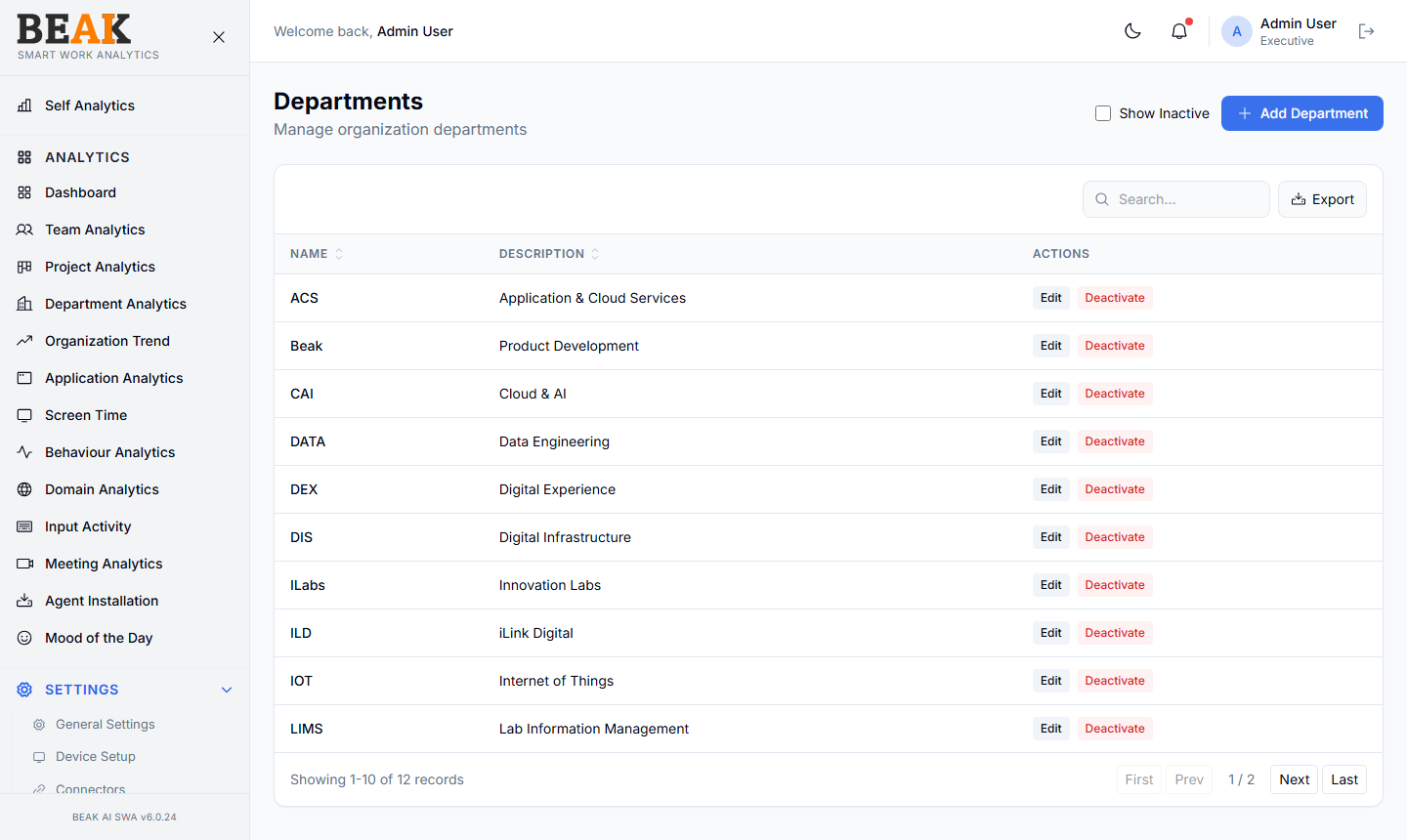
Department Table
A sortable, paginated table:
| Column | Description |
|---|---|
| Name | Department display name (e.g. Engineering, Sales) |
| Description | Optional short description |
| Actions | Edit, Deactivate |
Use Show Inactive to include deactivated departments. The Export button exports the visible table as CSV.
Adding a Department
Click + Add Department to open the Add Department modal. Fill in:
- Name — Department name (must be unique)
- Description — Optional short description
Save to persist. New users can then be assigned to this department via Users, and the department will become available as a filter in every analytics view.
Best Practices
- Match departments to the formal organization chart — using shorthand names creates confusion in HR-facing analytics views.
- Don't delete departments that have historical activity —
Deactivateinstead so historical analytics still attribute correctly. - Pair departments with Designations to express the full org hierarchy (department + role).
- For multi-tenant rollups, prefer a flat list of departments over deep hierarchies — SWA's analytics views work best with one level.
Related Pages
- Users — Assign users to departments
- Designations — Job titles
- Department Analytics — Department-level analytics
- Shifts — Department-level shift assignment