Cost Recommendations
Recommendations surface actionable ways to cut cloud spend — right-sizing, idle-resource cleanup, reservation purchases, and more. Each recommendation carries a projected monthly saving and the affected resource, sourced from native cloud advisories (Azure Advisor, AWS) and Beak's own AI and graph analysis.
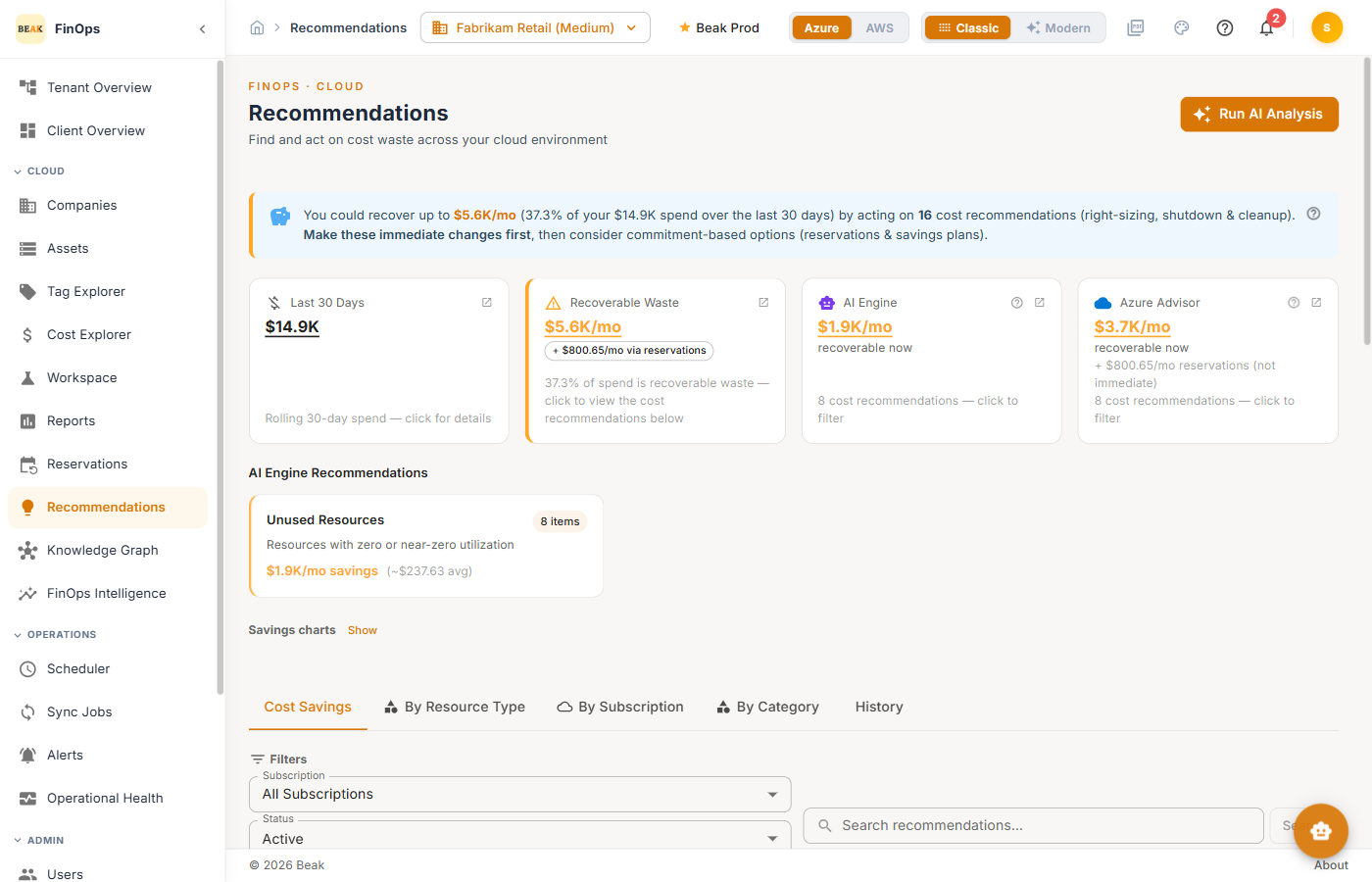
Run AI Analysis
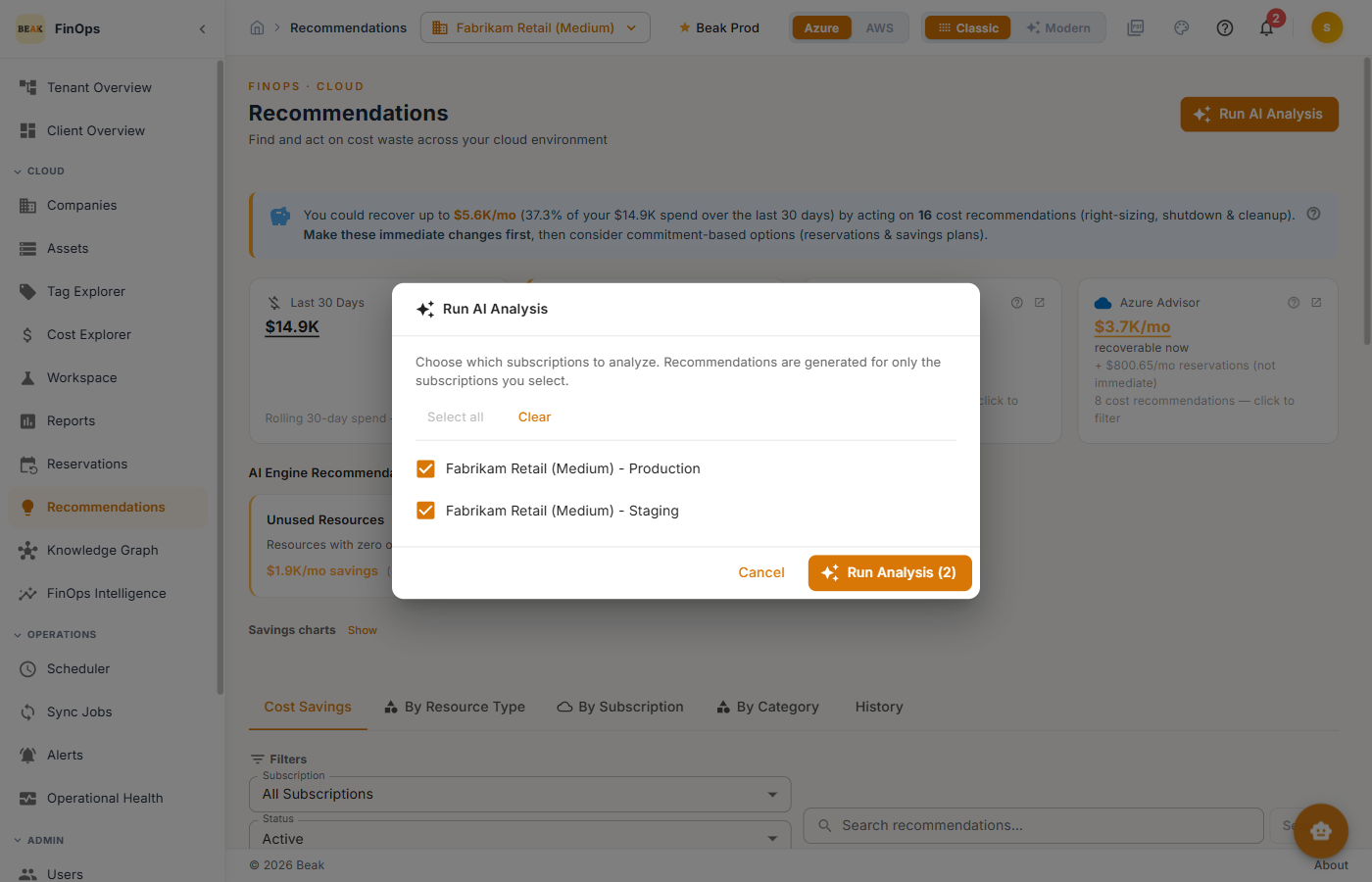
Click Run AI Analysis to (re)generate recommendations. Choose the scope to analyze and click Run Analysis.
Tabs
- Cost Savings — All cost-saving recommendations, grouped and sorted by highest savings
- By Resource Type — Recommendations grouped by the type of resource affected
- By Subscription — Recommendations grouped by subscription or account
- By Category — Recommendations grouped by optimization category
- History — Previously actioned recommendations
The recommendation table shows the recommendation, a detailed description, source, status, utilization, monthly savings, and available actions.
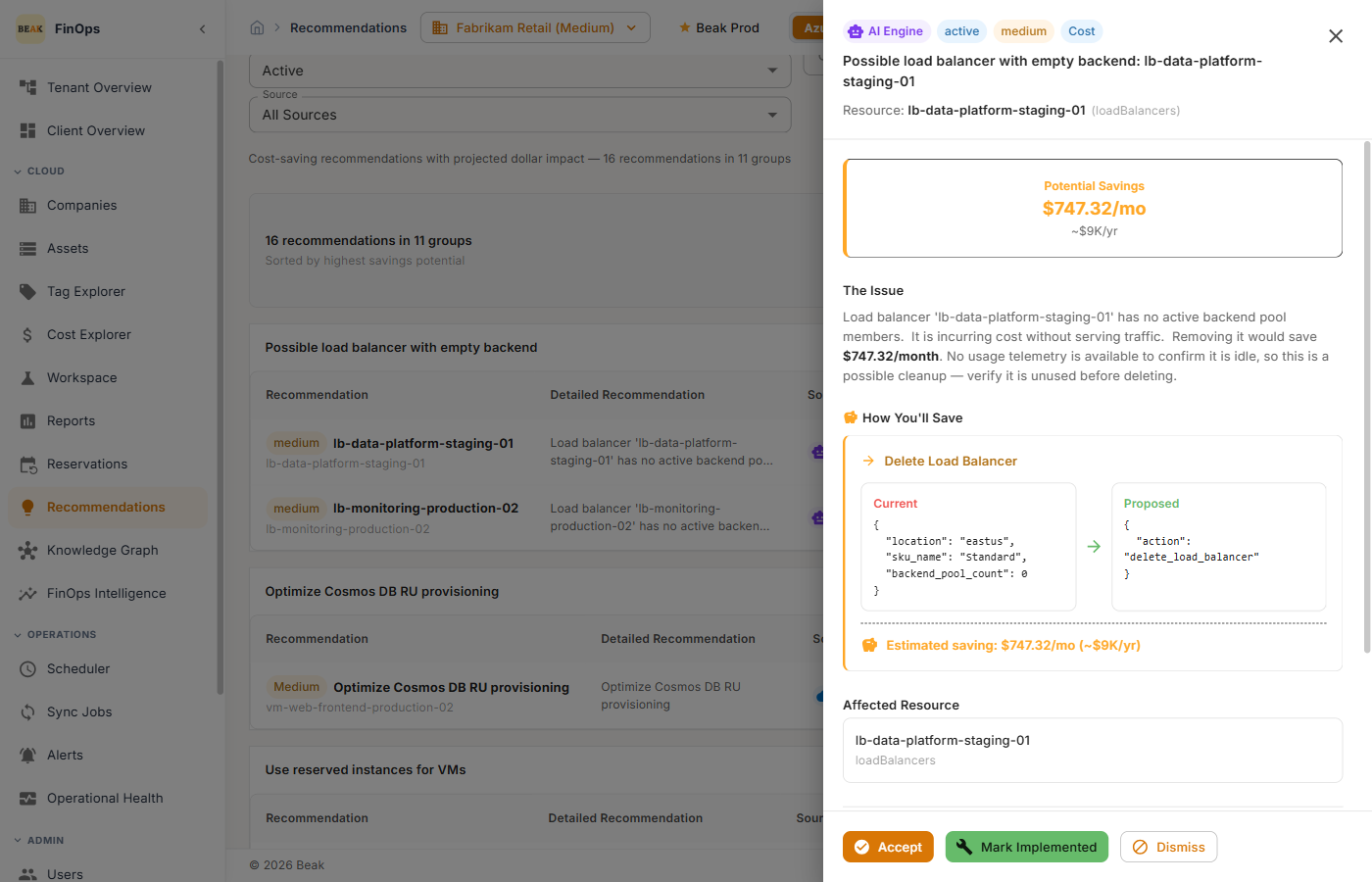
Recommendation Detail
Click any recommendation to open its detail drawer — the issue, how you'll save, the affected resource, recent utilization, and the current configuration, with actions to Accept, Mark Implemented, or Dismiss.
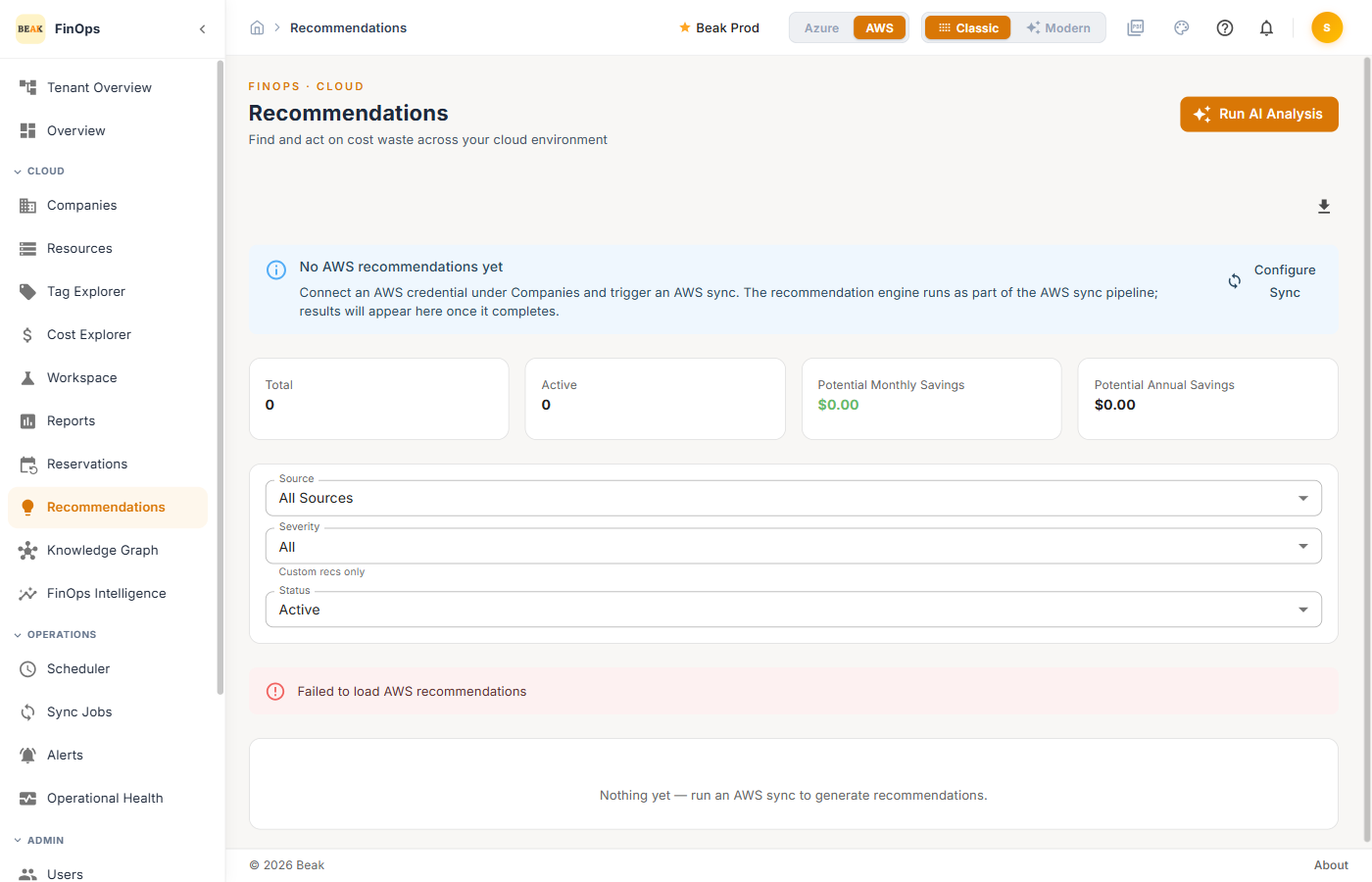
AWS view
Switch the cloud toggle to AWS to see AWS recommendations.
Best Practices
- Work highest-savings first — The Cost Savings tab is sorted by impact; start at the top
- Verify before implementing — Review the affected resource and utilization in the detail drawer before accepting
- Track what you've done — Use Mark Implemented and the History tab to avoid re-reviewing the same items
- Re-run after big changes — Regenerate analysis after major deployments so recommendations reflect current usage
Related Pages
- Cost Explorer — Where recommendations originate
- Reservations — Act on reservation recommendations
- FinOps Intelligence — ML-driven cost-reduction analysis