Alerts
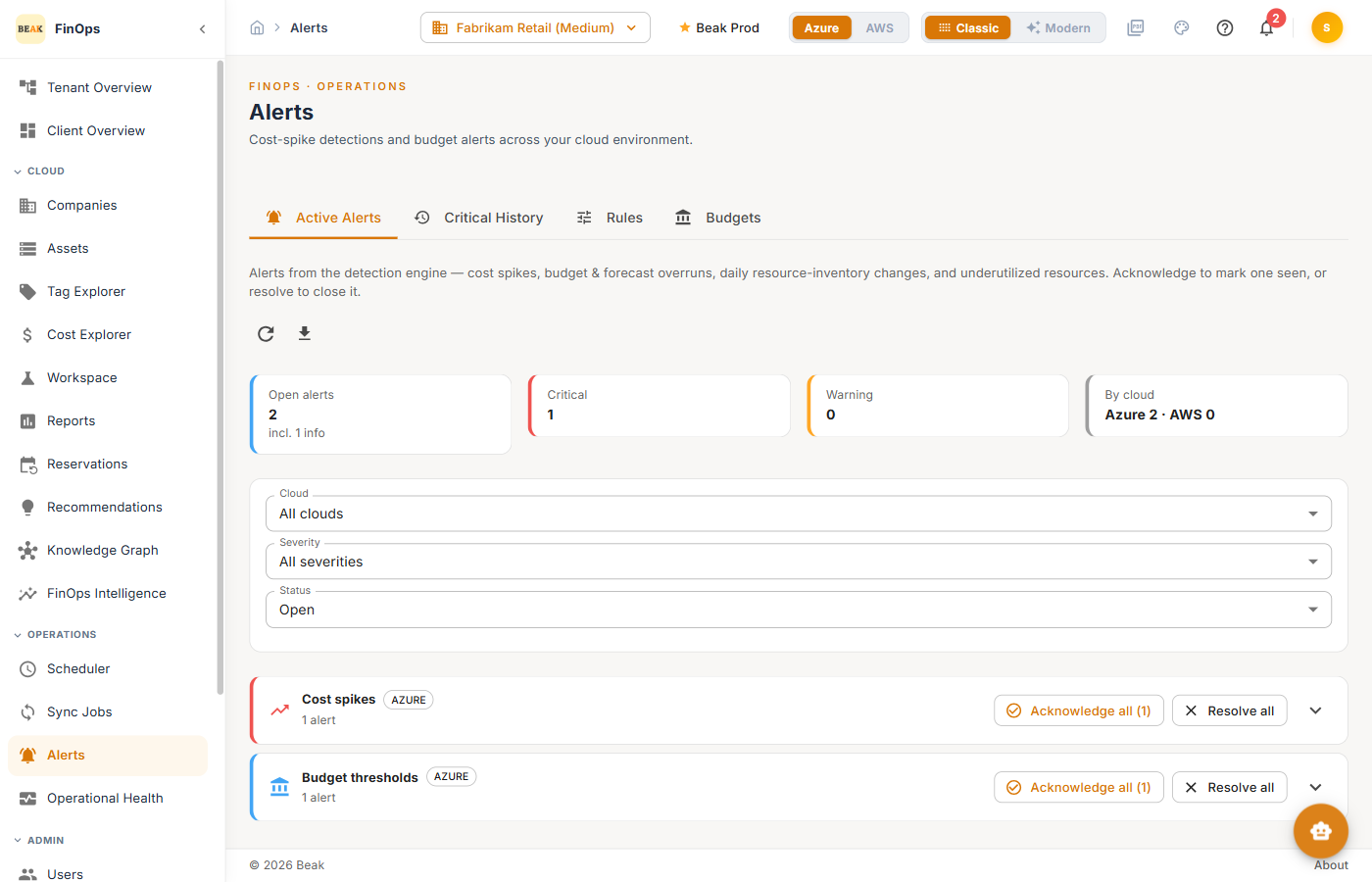
Alerts surfaces cost-spike detections and budget breaches across your cloud environment. The detection engine watches for cost spikes, budget and forecast overruns, daily resource-inventory changes, and underutilized resources, and raises alerts you can acknowledge or resolve.
Permissions
Viewing alerts requires the relevant view permission; acknowledging and resolving requires manage access.
Tabs
Active Alerts
Open alerts from the detection engine, summarized by severity (Critical, Warning) and by cloud. Filter by cloud, severity, and status. Use Acknowledge to mark an alert seen, or Resolve to close it — and Acknowledge all / Resolve all for bulk actions.
Rules
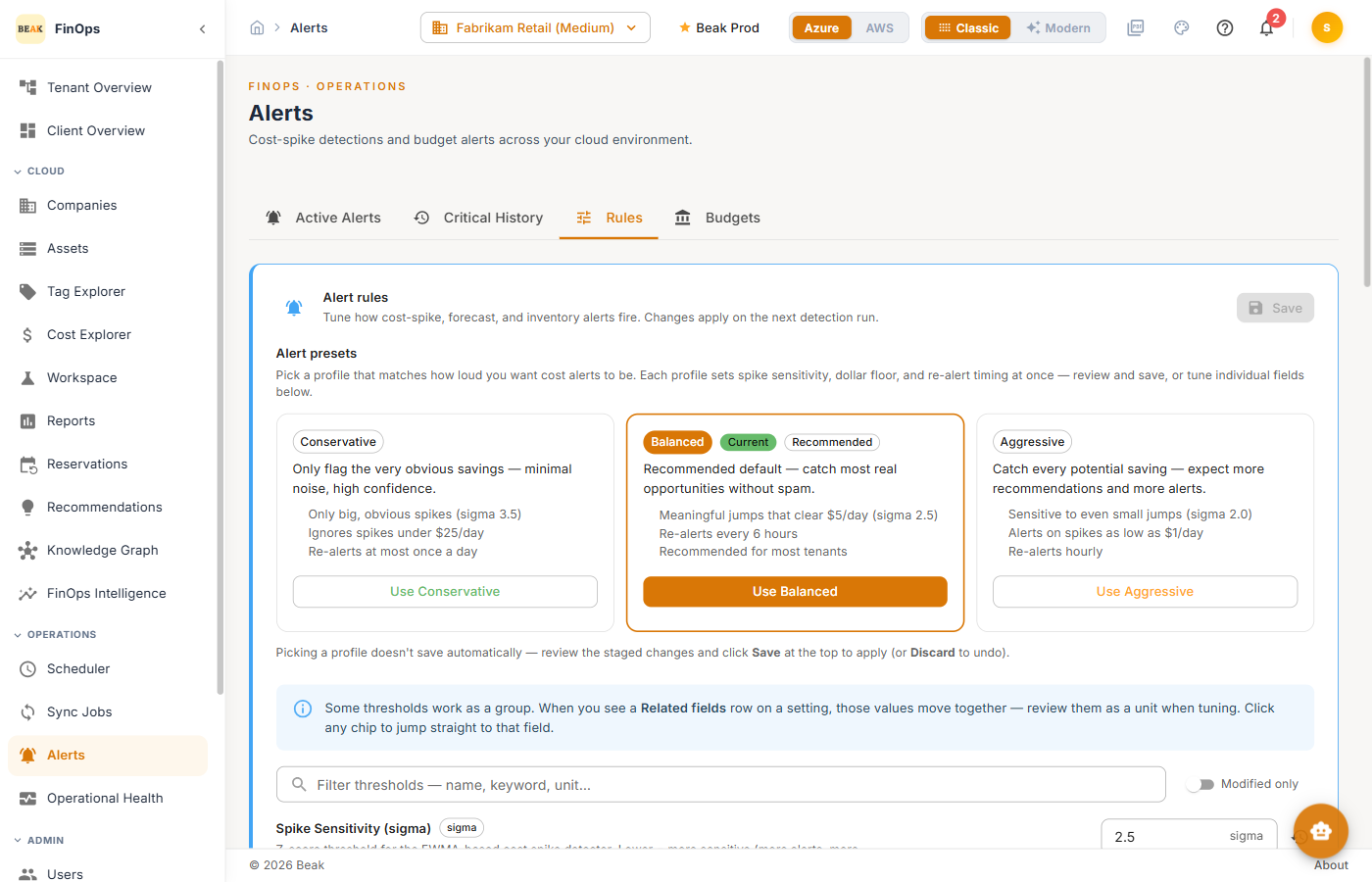
The Rules tab defines the detection rules that raise alerts — the conditions, thresholds, and scopes the engine evaluates.
Budgets
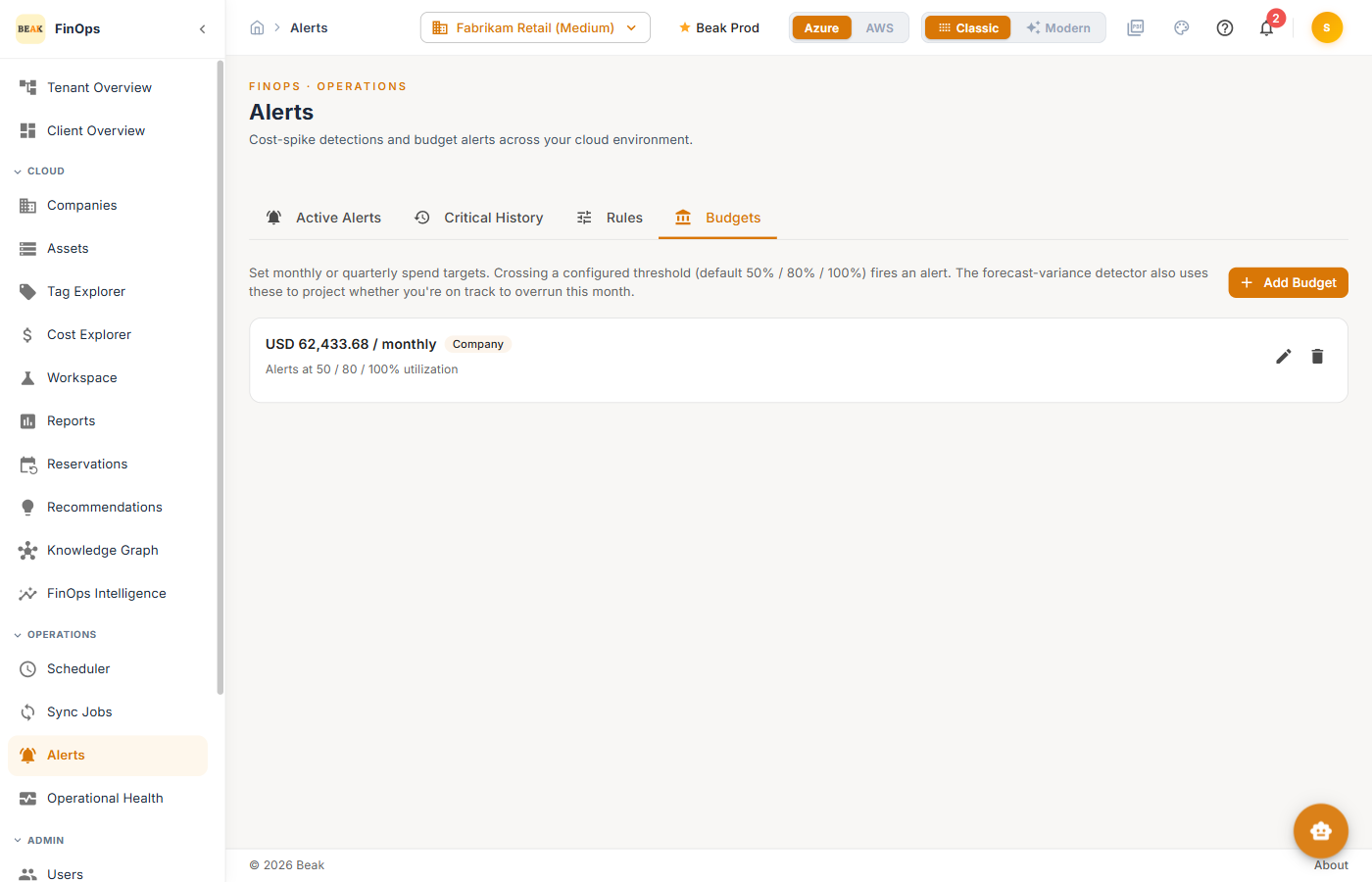
The Budgets tab defines spending budgets. When spend approaches or exceeds a budget, the engine raises an alert.
Best Practices
- Acknowledge, then resolve — Acknowledge to signal an alert is being handled; resolve once the underlying issue is closed
- Set budgets per company — Budgets make overruns actionable instead of surprising
- Tune rules to reduce noise — Adjust thresholds so alerts stay meaningful
Related Pages
- Cost Explorer — Investigate a flagged spike
- Reports — Cost Anomalies report
- Settings — Alert Settings defaults