Audit History
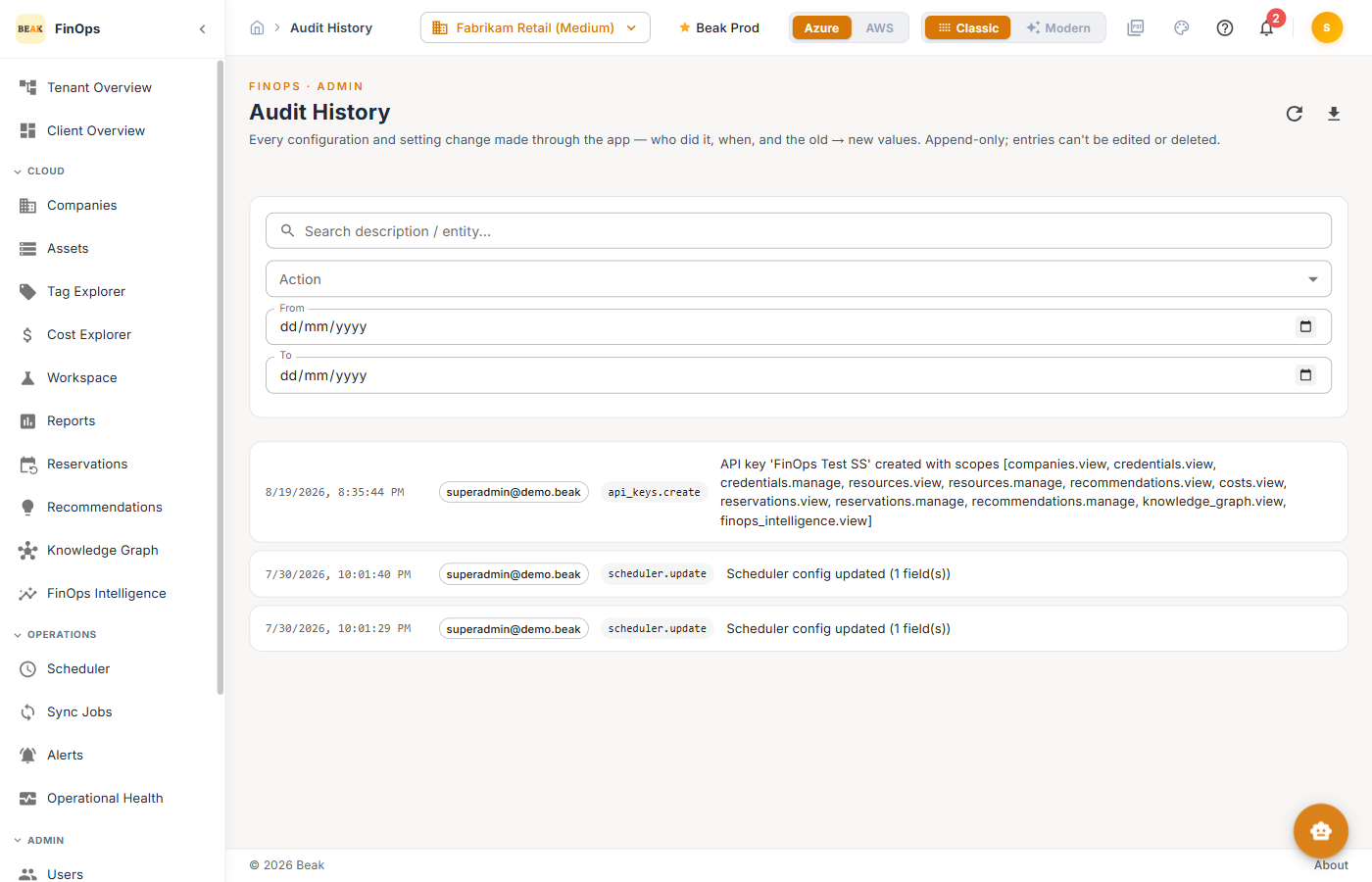
Audit History records every configuration and setting change made through the app — who did it, when, and the old and new values. The log is append-only: entries cannot be edited or deleted.
Tracked Actions
Changes to scheduler configuration, recommendation thresholds, credentials, API keys, roles, and other settings are captured. Each entry records:
| Field | Description |
|---|---|
| Timestamp | When the change occurred |
| Actor | The user who made the change |
| Action | The change type (for example scheduler.update) |
| From → To | The previous and new values |
Filters
Filter the log by Action and by a From / To date range to find a specific change.
Empty State
Until someone makes a config or setting change, the log is empty. Once a change is made — to the scheduler, a threshold, a credential, or an API key — it appears here.
Best Practices
- Review after incidents — The old → new values make it easy to see what changed and when
- Pair with role audit — Use Audit History alongside the Roles Audit tab for access changes
- It's your change of record — Because it's append-only, treat it as the authoritative history of configuration changes