Designations
Designations is the catalog of job titles for the tenant — Senior Engineer, Project Manager, HR Lead, etc. Every user carries a designation, and analytics views that filter by Role (e.g. Team Analytics) read from this catalog.
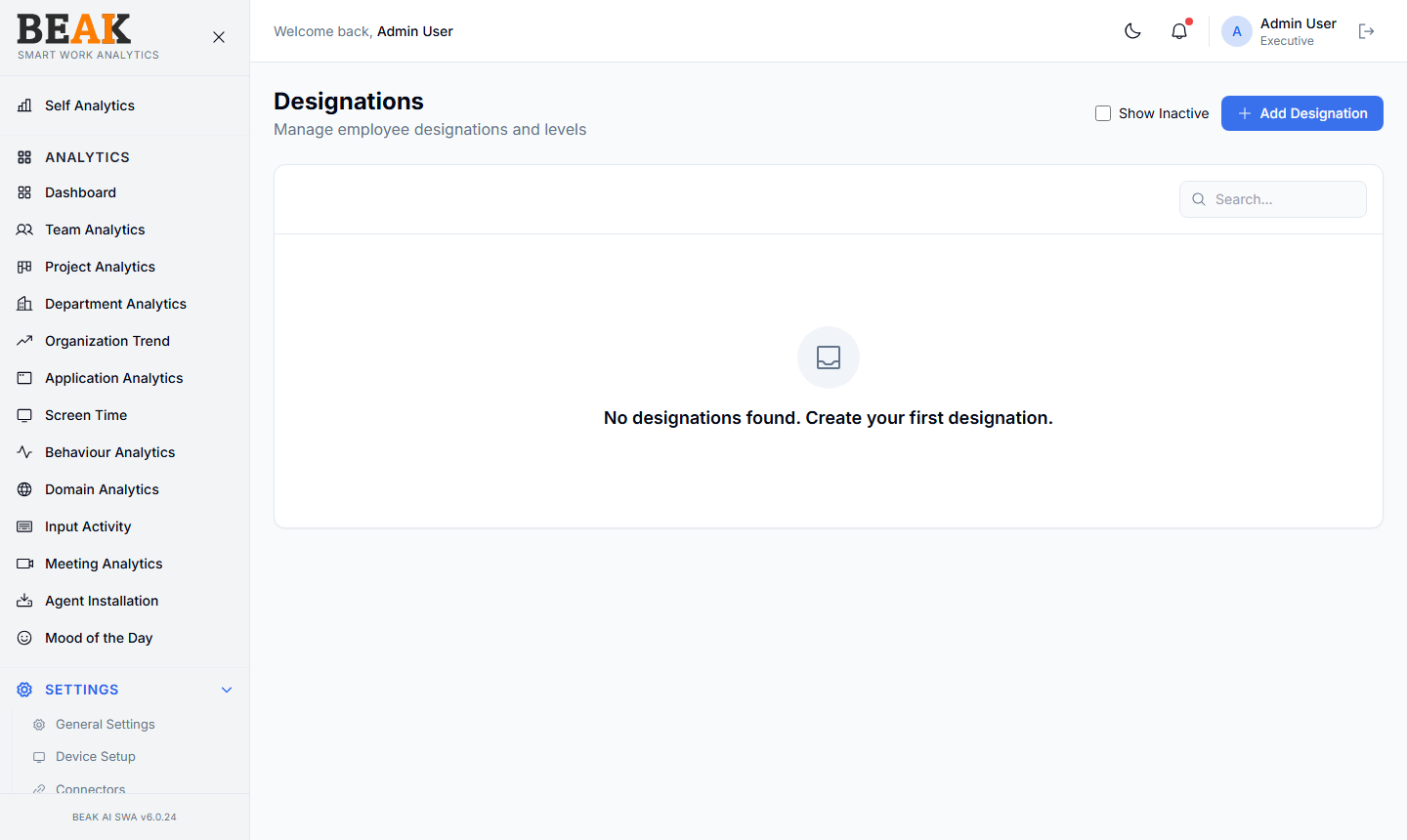
Designation Table
A simple list of designations with Edit and Deactivate actions per row. New tenants will see No designations found. Create your first designation. until at least one is added.
Adding a Designation
Click + Add Designation to open the Add Designation modal. Fill in:
- Name — Job title (e.g.
Senior Software Engineer) - Description — Optional context
Save to persist. The designation becomes available in the Users Designation dropdown.
Designation vs Role
Designations are job titles — what someone does day-to-day. Roles are RBAC roles — what someone can see and do inside SWA. The two are independent; an employee with the designation Senior Engineer could carry the SWA role of Employee (analytics-only access) or Manager (team-level access) depending on their responsibilities.
Best Practices
- Match designations to the official titles in HR — using SWA-specific titles introduces drift between systems.
- Keep the list flat rather than encoding seniority in the name (
Engineer L4) — seniority is better tracked in HRMS. - Don't delete designations with assigned users —
Deactivateinstead so historical user records still resolve correctly.
Related Pages
- Users — Assign designations to users
- Roles — RBAC roles (different from designations)
- Departments — Department directory