Prospect Report
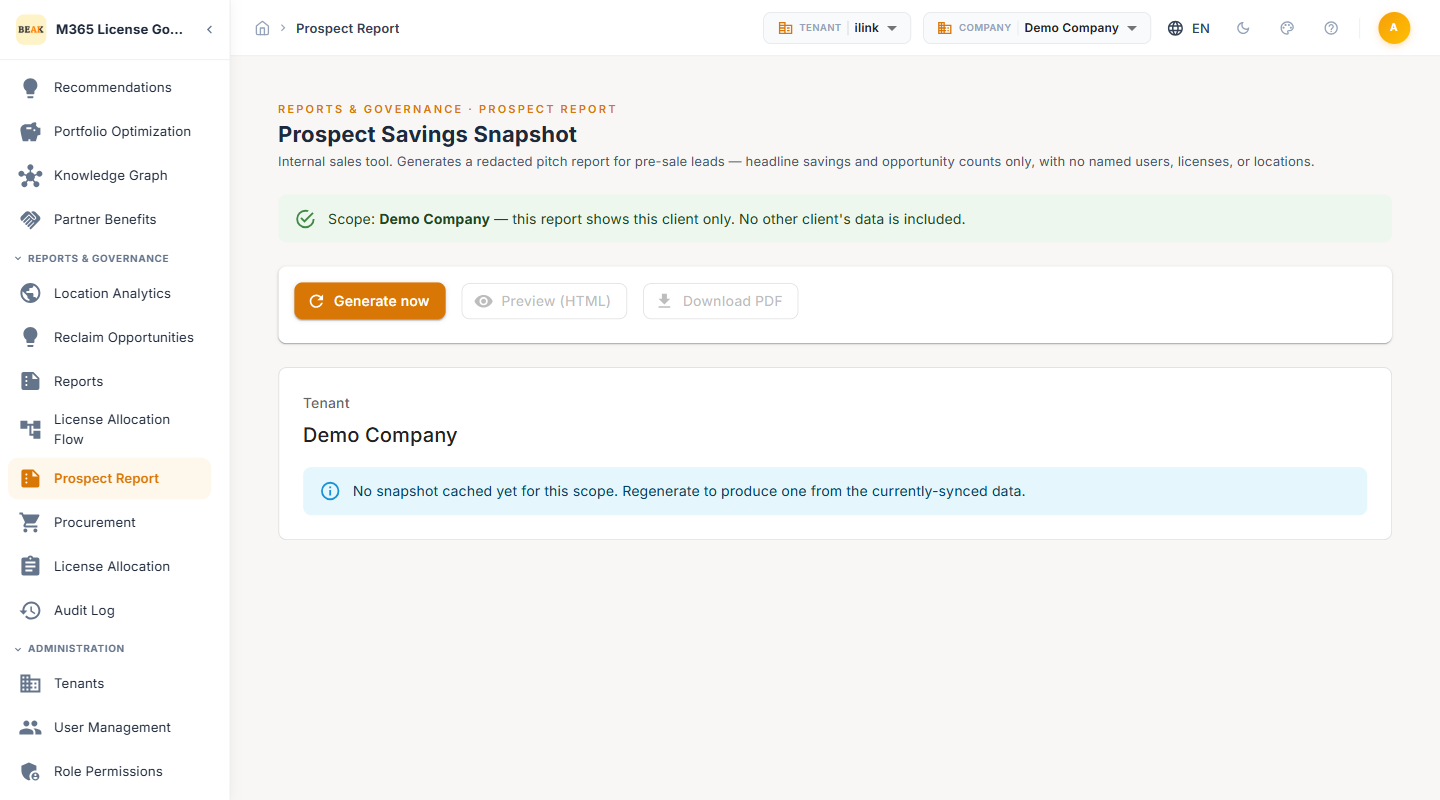
The Prospect Report is an internal sales tool that generates a redacted savings snapshot for pre-sale leads. It distills the optimization analysis down to headline savings figures and opportunity counts — deliberately omitting named users, specific licenses, and locations — so it can be shared with a prospect before any contract or data-sharing agreement is in place.
What the Report Contains
The snapshot is intentionally high-level. It surfaces the size of the opportunity without exposing the underlying tenant detail:
- Headline savings — The total potential monthly and annual savings identified for the scope
- Opportunity counts — The number of optimization opportunities, summarized by type
Note: The report is redacted by design. It contains no named users, licenses, or locations — only aggregate figures — so it is safe to share with a prospect who has not yet signed.
Generating a Snapshot
Three actions in the top-right corner drive the report:
- Generate now — Produces a fresh snapshot from the currently-synced data for the selected scope
- Preview (HTML) — Opens the rendered report in the browser for review before sharing
- Download PDF — Exports the snapshot as a PDF for sending to the prospect
When no snapshot has been produced yet for the selected scope, the page shows a prompt to regenerate. Because the figures are drawn from synced data, generate a fresh snapshot after the prospect's tenant has been synced so the numbers reflect their real estate.
Best Practices
- Sync before you generate — The snapshot reflects the last sync; a stale sync produces stale headline numbers in front of a prospect.
- Preview before you send — Use Preview (HTML) to sanity-check the figures and framing before downloading the PDF for a lead.
- Keep it for pre-sale only — Once a prospect becomes a customer, move to the full Cost Intelligence and Recommendations views, which expose the per-user detail the redacted report withholds.
- Mind the redaction boundary — Never pair the Prospect Report with detail exports from other pages when sharing externally; the value of this report is that it leaks nothing identifiable.
Related Pages
- Cost Intelligence — Full, un-redacted roll-up of every cost-reduction lever
- Recommendations — Per-user optimization detail
- Reports — Scheduled and on-demand operational reports
- Beak M365 License Optimizer Overview — Platform overview and navigation structure