Projects
Projects are top-level budget containers. A project groups teams together so that multiple teams can share a budget envelope and so finance reporting can roll up across the group. Every team is optionally associated with a project; teams without a project are reported individually.
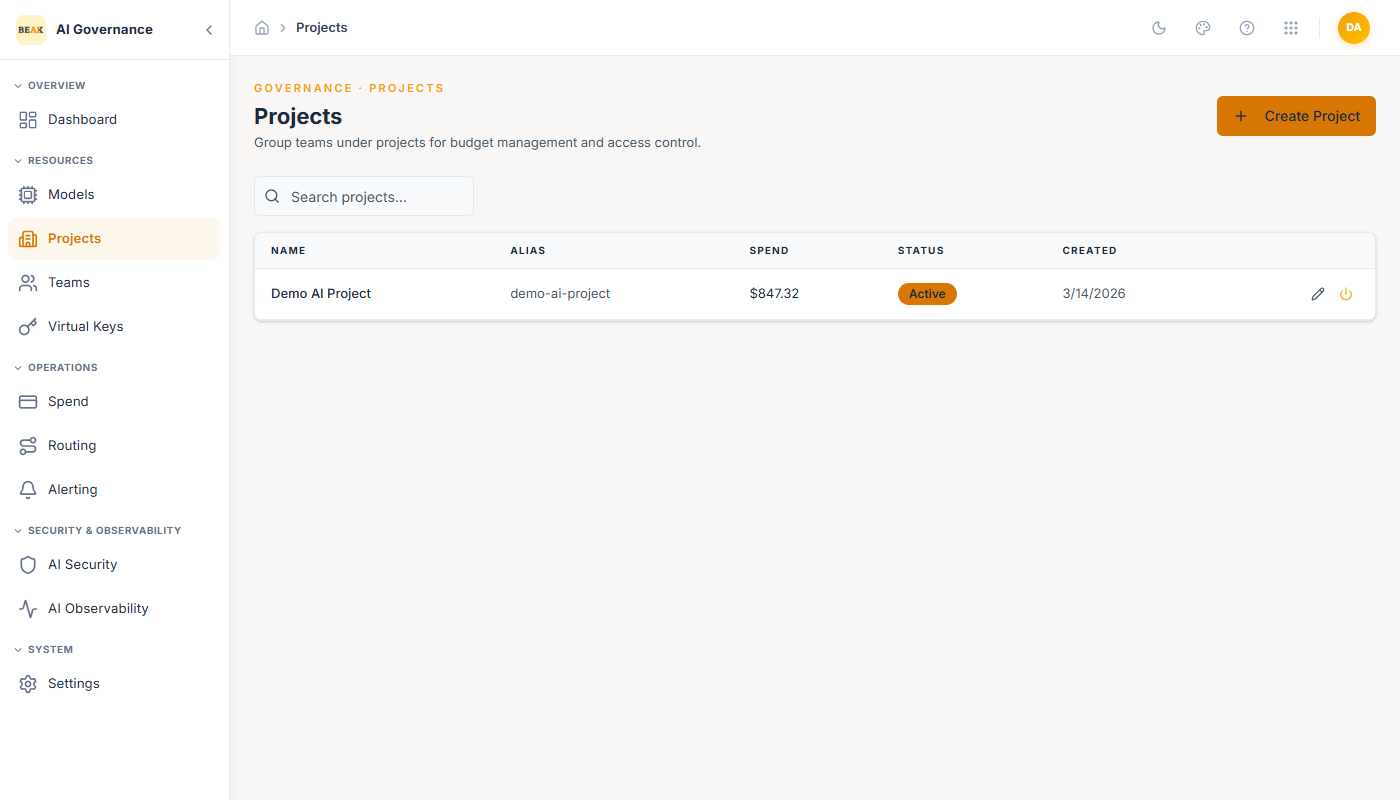
The list view shows each project's name, alias, aggregate spend, and creation date. Filter by name in the search box; the trash icon per row deletes a project (teams belonging to it are unassigned but not removed).
Creating a Project
Click + Create Project in the top-right to open the Create Project modal.
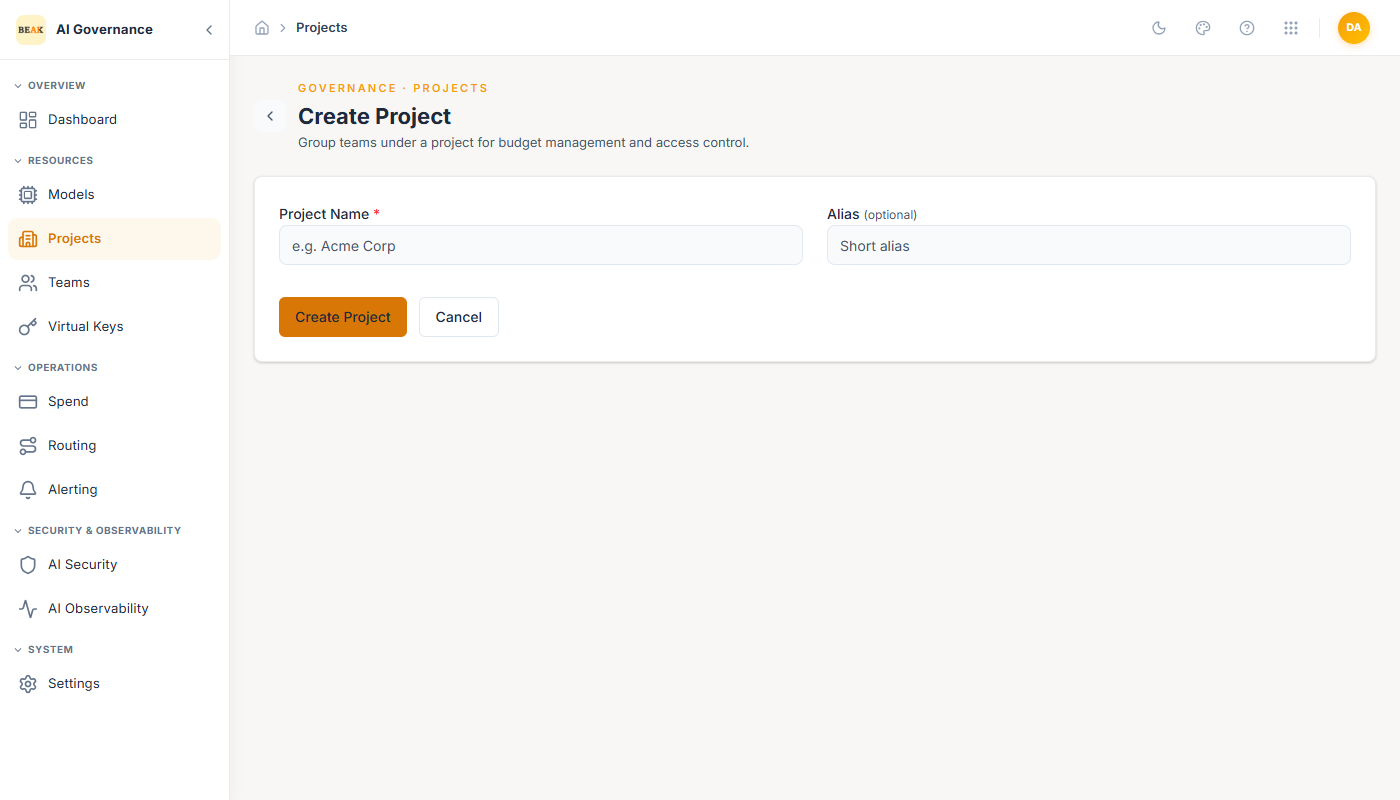
- Project Name — Display name shown in lists, team associations, and finance reports (e.g.
Acme Corp). - Alias (optional) — Short identifier used in API responses and exports (e.g.
acme-prod). Useful when the project name is long or contains spaces.
Click Create to save. The new project appears in the list immediately and can be assigned to teams from the Teams page.
How Projects Differ From Teams
- A Project is a budget container. It has no rate limits, no model allowlist, and no direct API access.
- A Team is an access-control unit. It has a budget, rate limits, a model allowlist, and virtual keys — and it optionally rolls up into a Project.
A typical layout is one Project per business unit or cost center (Engineering, Sales Enablement, Customer Support), with two or three Teams per Project representing environments (-prod, -staging, -dev) or product lines.
Best Practices
- Treat Project names as finance-facing. Accountants and Ops will see them in spend reports, so use the business-unit name rather than a team nickname.
- Use the alias field for machine-readable identifiers. It keeps the display name human-friendly while giving exports and automation a stable slug.
- Keep the number of Projects small. If every team becomes its own Project, you have re-created the Teams page; combine them at the business-unit level instead.