Security Operations Center
The Security Operations Center (SOC) gives your NOC team a comprehensive view of your network's security health. It aggregates threat intelligence, insider risk signals, AI security posture, vulnerability data, compliance status, and port exposure into a single scored dashboard.
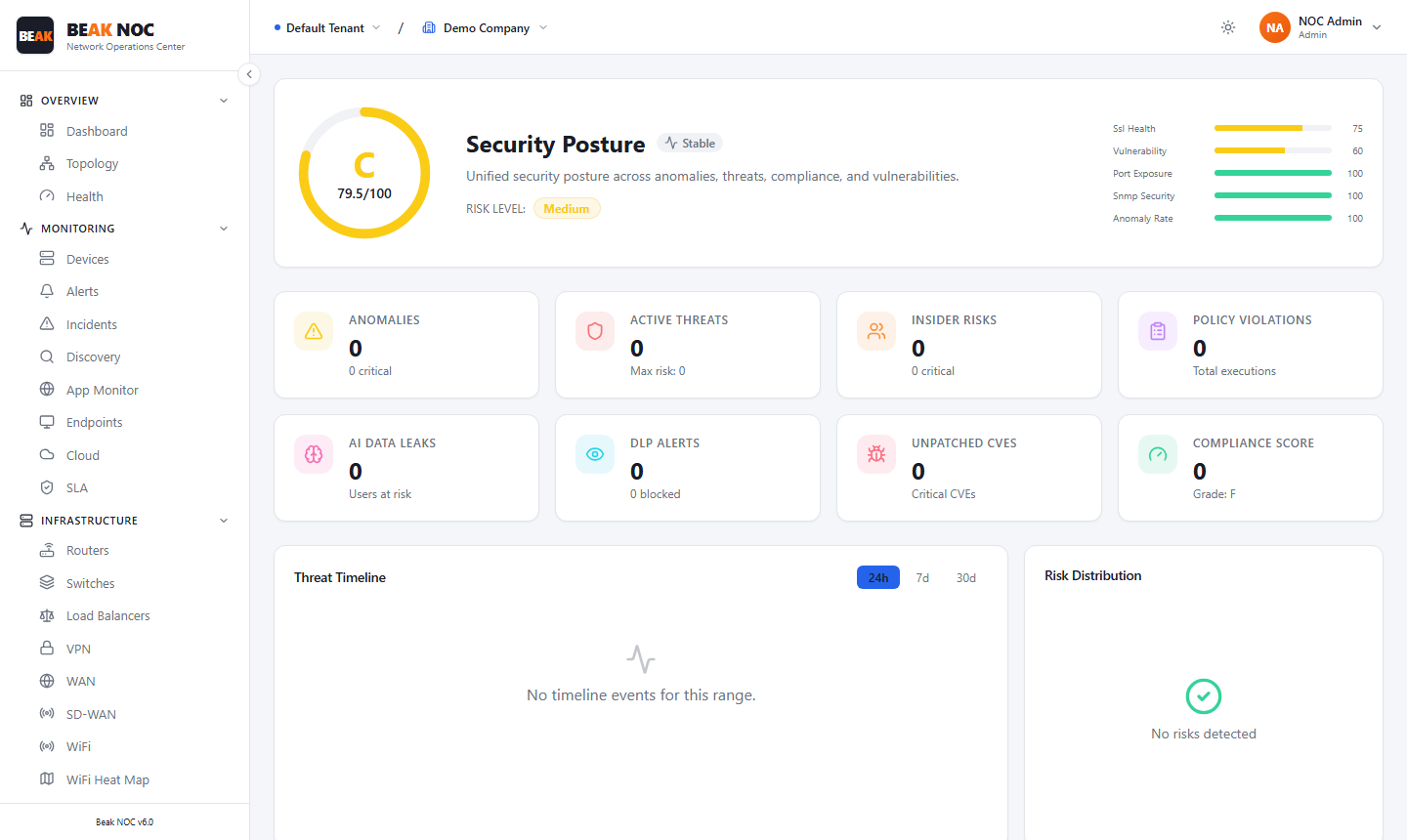
Security Posture Score
The posture score is a composite letter grade (A–F) with a numeric score out of 100, displayed as a circular gauge. A Score Breakdown bar chart on the right of the page shows how different security dimensions contribute to the overall grade.
The label below the score (e.g., Medium) reflects the overall risk level based on the numeric score.
Summary Cards
| Card | Description |
|---|---|
| Anomalies | Count of detected anomalous behaviours across the monitored estate |
| Active Targets | Devices or users identified as active targets of threats |
| Insider Risks | Count of insider risk events or flagged user behaviours |
| Worker Risks | Risk signals associated with specific worker accounts |
| Risky Solutions | Applications or services flagged as introducing risk |
| Hidden Users | Accounts that are active but not visible in standard directory listings |
| Isolates | Threats that have been contained or quarantined |
| Unprotected Users | User accounts without adequate security coverage |
Threat Timeline
A time-series chart showing the volume and severity of threat events over the selected time range. Use the 24h / 7d / 30d toggle to adjust the time window.
Risk Distribution
A chart showing how risk is distributed across the monitored estate. When no risk data is available for the selected period, this panel displays "No risk data detected."
Tabs
| Tab | Description |
|---|---|
| Anomalies | Detected behavioural anomalies across devices and users |
| Threats | Active threats, attack patterns, and blocked events |
| Insider Threats | Insider risk signals, flagged user activity, and privilege abuse indicators |
| AI Security | AI-driven threat analysis and model-generated risk assessments |
| DLP & Content | Data-loss-prevention and content-inspection alerts, with total scans and blocked counts |
| Vulnerabilities | Unpatched CVEs and virtual patching status per device |
| Compliance | Security compliance posture aligned to policy frameworks |
| Policy Execution | Status of automated security policies and enforcement rules |
Vulnerabilities Tab
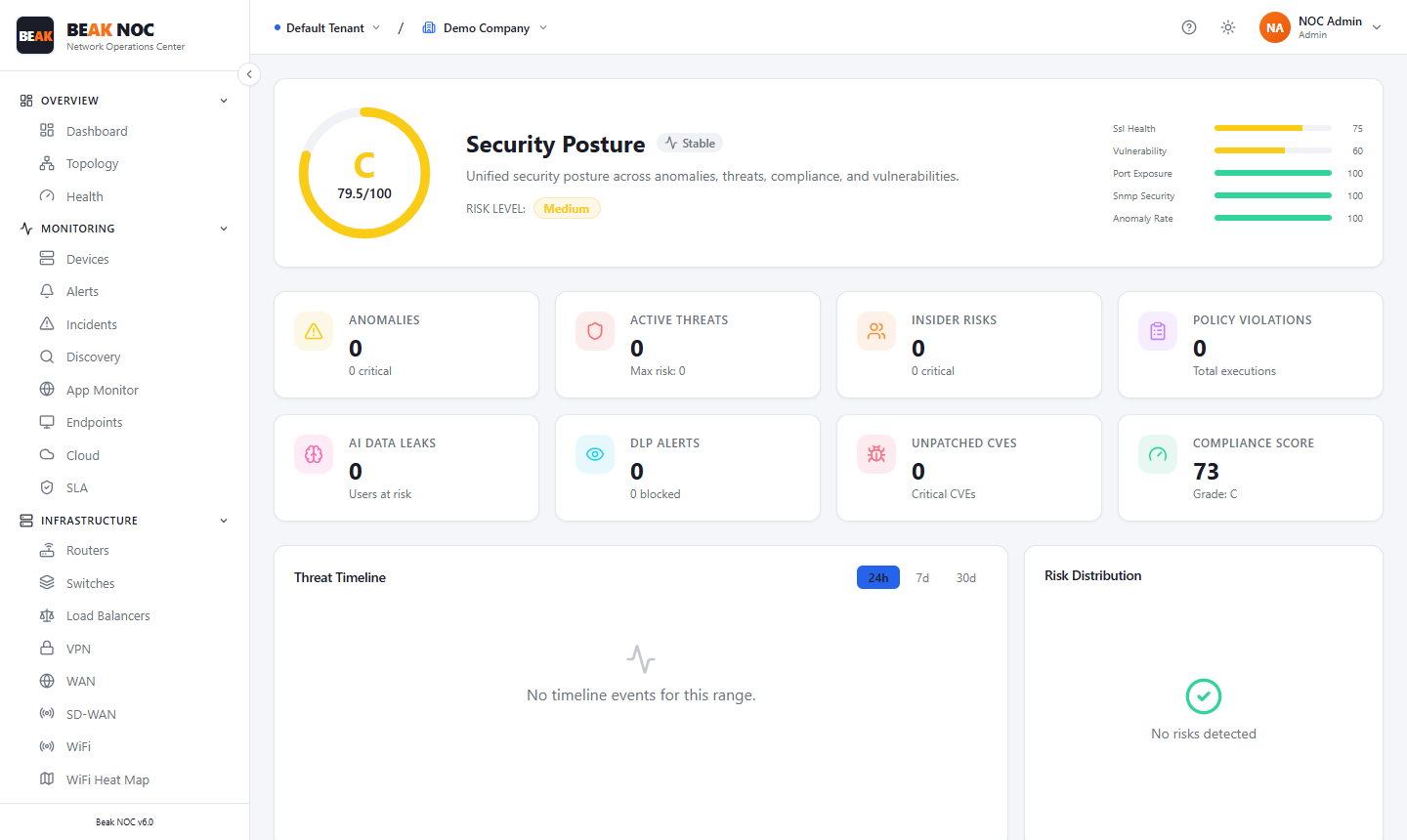
The Vulnerabilities tab surfaces unpatched vulnerabilities across the monitored device estate.
Unpatched Vulnerabilities (Virtual Patching)
Lists devices with known unpatched CVEs alongside their virtual patching status — whether a compensating control has been applied to mitigate the risk without requiring an immediate patch.
Related Pages
- Firewall Module — Firewall device health, rules, threats, and VPN tunnels
- Security Appliances — IDS/IPS, WAF, DLP, and other security device monitoring
- Compliance — Configuration compliance contributing to security posture
- Alerts — Security alerts in the alert feed
- Network Flows — Traffic flow data for anomaly investigation