Evaluations
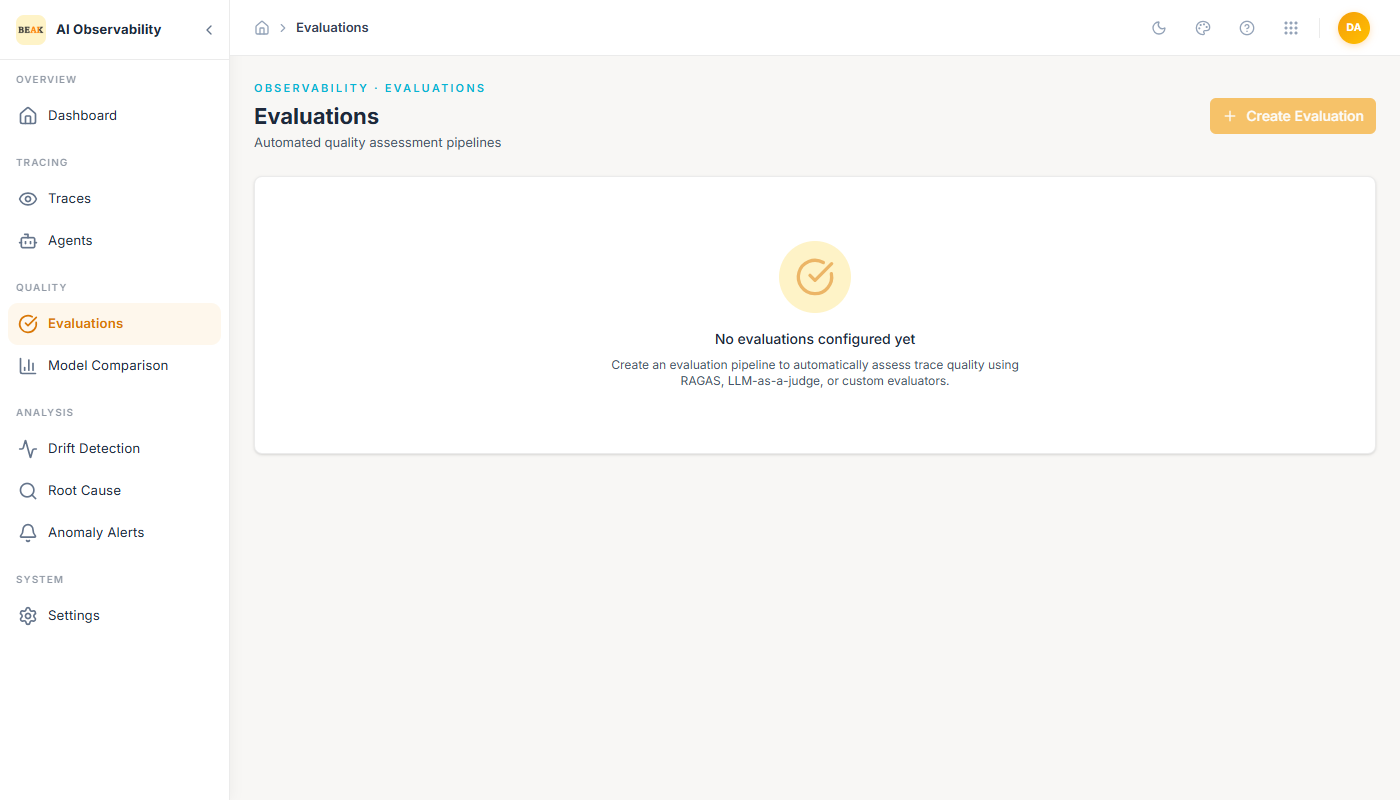
Evaluations are the automated quality layer on top of traces. Instead of spot-reading responses by hand, you configure a pipeline that scores every new trace on one or more quality dimensions, and the Evaluations page surfaces aggregates, per-trace scores, and the full history of runs.
Evaluator Families
Three evaluator families are supported out of the box:
- RAGAS — Retrieval-Augmented Generation Assessment. Scores
faithfulness,answer relevance,context precision, andcontext recallfor any trace that includes a retrieval step. Best fit for knowledge-base and RAG agents. - LLM-as-a-judge — A configured LLM rates the assistant's response against a rubric you provide. Works for any trace; useful when quality cannot be reduced to RAGAS-style metrics.
- Custom evaluators — Arbitrary Python or prompt-based evaluators registered against a trace shape. Used for domain-specific metrics (e.g.
matches expected function signature,follows company tone guide).
Creating an Evaluation
Click + Create Evaluation in the top-right. The pipeline form captures:
- Name / description — Identifier shown in the list.
- Evaluator family — RAGAS, LLM-as-a-judge, or Custom.
- Dataset — Which traces to score. Options include all new traces, a saved Dataset, or a filtered subset by agent or model.
- Metrics — The specific dimensions the evaluator will emit. Depends on family.
- Schedule — Run-on-ingest (score every new trace) or on-demand (trigger from the Evaluations page).
Note: The Create Evaluation button is gated by tenant role. When it appears greyed out, the currently authenticated user does not have permission to manage evaluation pipelines; ask a workspace admin to run the creation or grant the role.
Reading Evaluation Results
Once a pipeline is running, each trace in the Traces viewer gains an Evaluations strip above the span tree that shows the scores from every pipeline that ran on it. The Evaluations page aggregates those scores:
- Per-pipeline summaries — Mean, p50, p95 for every metric over the selected window.
- Per-agent breakdown — Scores grouped by the agent that produced the trace.
- Score trend — Time series of each metric; useful for spotting regressions after a prompt change.
Best Practices
- Run RAGAS on RAG agents only. Running it on traces without retrieval spans produces noisy scores that are not actionable.
- For LLM-as-a-judge, keep the rubric short and concrete (
1–5 score with one-line criterion per point). Long rubrics raise variance and judge cost. - Custom evaluators are the right fit for binary checks (function signatures, schema adherence). Prefer deterministic rules over LLM judges whenever possible.
- Pair Evaluations with Anomaly Alerts on the emitted scores — a faithfulness drop is a fast precursor to user-visible quality regressions.