Drift Detection
Drift Detection watches for distribution shift in the inputs and outputs flowing through your agents. It computes embeddings for recent traces, projects them to 2D with PCA, and renders the baseline window next to the current window so you can see at a glance whether users are asking different questions or agents are answering differently than they were yesterday.
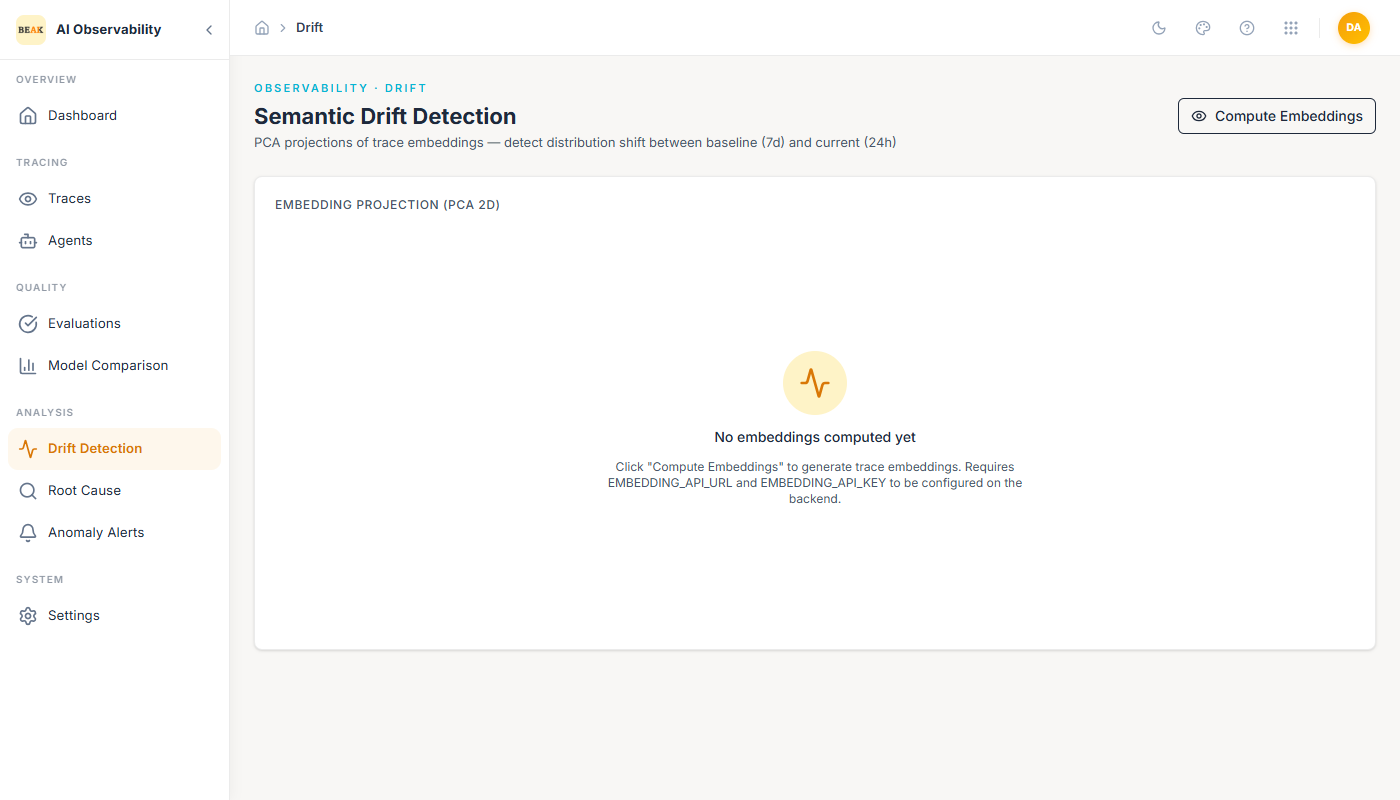
The page compares a rolling 7-day baseline against the last 24 hours. It has a single primary action — Compute Embeddings — in the top-right.
What Drift Means Here
Drift Detection does not flag individual regressions; evaluations and anomaly alerts do that. Instead, it surfaces when the population of traces has moved:
- User input drift — A different mix of questions or task types is arriving. Often harmless, but a trigger to re-check evaluator coverage.
- Agent output drift — The agent is phrasing, structuring, or reasoning about answers differently. Worth investigating when nothing else changed in the agent.
- Tool call drift — The distribution of which skills the agent picks is shifting. Often the earliest signal that a prompt or model change altered the agent's behavior.
Any of these can explain a lagging Evaluations score or a jump in cost that does not map to a single bad trace.
Embedding Projection (PCA 2D)
Running Compute Embeddings ingests the current 7-day baseline and the last 24 hours, embeds each trace (or configured span subset), and reduces the result to two dimensions using PCA. The output is two overlapping point clouds:
- Baseline — One color, representing the 7-day window.
- Current — Another color, representing the last 24 hours.
When the two clouds overlap tightly, the distribution is stable. When the current cloud sits to one side of the baseline, or forms a separate cluster, the fleet has drifted.
Note: Drift Detection requires
EMBEDDING_API_URLandEMBEDDING_API_KEYto be configured on the backend. Without them, the Compute Embeddings action returns the empty state you see above. Work with your platform team to set the environment variables.
Interpreting the Projection
- Tight overlap — Distribution is stable. No action required.
- Current cloud shifts in one direction — Gradual drift. Plan a re-evaluation of agents that depend on the shifted population.
- Current cloud separates into a new cluster — Sudden drift. Usually maps to a product change (new feature surfacing new question types), an integration change (a different upstream feeding traces), or a model change that altered output shape.
Combine Drift Detection with the Traces filter to zoom into the new cluster — filter by the agent and the last 24 hours, and read a handful of representative traces.
Best Practices
- Run Compute Embeddings after every production release. It surfaces unintended changes that Evaluations may still score favorably.
- Don't wait for drift to be user-visible. A two-day-old shift is easier to trace to a root cause than a two-week-old one.
- Keep PCA in mind — it compresses high-dimensional embedding space. Small cluster shifts in 2D can represent meaningful moves in the original space; conservative interpretation beats over-reading.