Root Cause
Root Cause is the fastest path from "we have a spike in errors" to "here is the specific span and argument that explains them." It collects recent error traces, groups them by failure pattern, asks an LLM to summarize the likely causes, and returns an actionable report with recommended fixes.
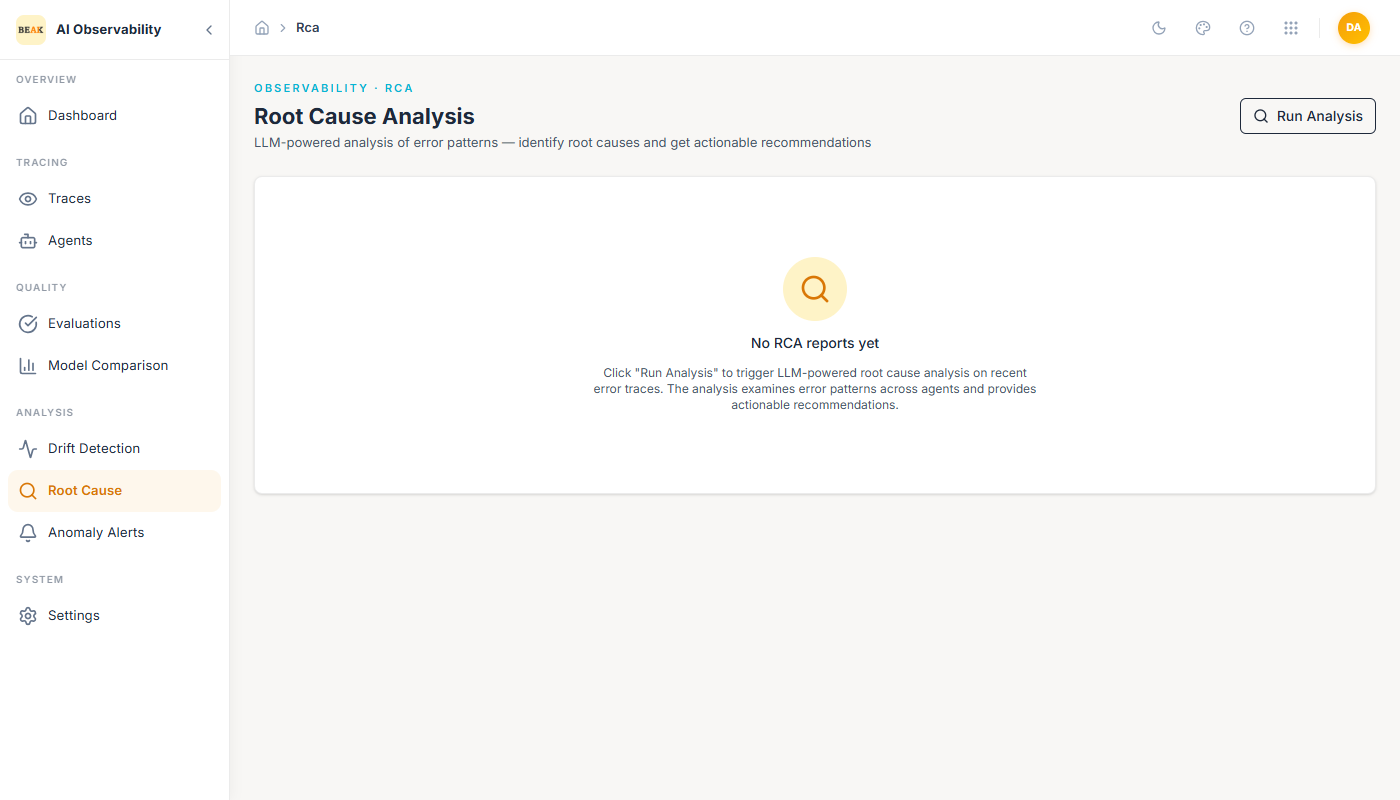
The page has a single primary action — Run Analysis — in the top-right.
How It Works
Clicking Run Analysis does three things:
- Collects recent error traces — Pulls the most recent traces with
status = ERRORfrom the trace store. - Clusters by failure pattern — Groups traces by error message, failing span name, and agent so that repeated failures roll up into a single finding.
- Summarizes each cluster — An LLM reads the representative traces in each cluster and writes a short finding covering: the symptom, the candidate root cause, the affected agents, and one or more recommended fixes.
The result is a set of RCA reports — one per cluster — saved on the page so you can re-open them later without re-running the analysis.
Reading an RCA Report
Each report contains:
- Severity — Inferred from impact (
criticalwhen the cluster affects high-volume agents or has a high error rate;warningotherwise). - Summary — One- to two-sentence description of the failure pattern.
- Affected agents — List of agents whose traces contributed to the cluster.
- Sample traces — Links back into the Trace viewer for representative examples.
- Likely causes — Ranked hypotheses from the LLM.
- Recommended fixes — Specific actions (prompt edits, input validation, timeout increases, model swaps) tied to each cause.
The sample-trace links are the important piece. The report is a starting hypothesis; clicking through to the underlying spans confirms or refutes it.
When to Run It
- When the Dashboard's Error Rate tile jumps suddenly.
- When Anomaly Alerts fires
criticalonerror_rate. - When Recent Errors on the Dashboard shows the same agent across three or more rows — the cluster is already forming.
- After a production release, as a standing check.
Root Cause is cheapest when the error cluster is concentrated (one recurring failure, many traces). It is less useful when errors are a small number of one-off issues in unrelated traces — at that point, direct trace inspection is faster.
Best Practices
- Treat the report as a hypothesis, not a diagnosis. Always confirm against at least two linked sample traces.
- Re-run the analysis after a fix ships — a shrinking or disappearing cluster confirms the fix landed.
- Pair Root Cause with Drift Detection when the cause involves "the agent started doing something new." Drift shows the input/output population change; Root Cause shows the failure mode it triggered.