My Assets
My Assets is a personal, self-service view of the Configuration Items (CIs) currently allocated to you. It lets employees and agents see the hardware and services they are responsible for without browsing the full CMDB.
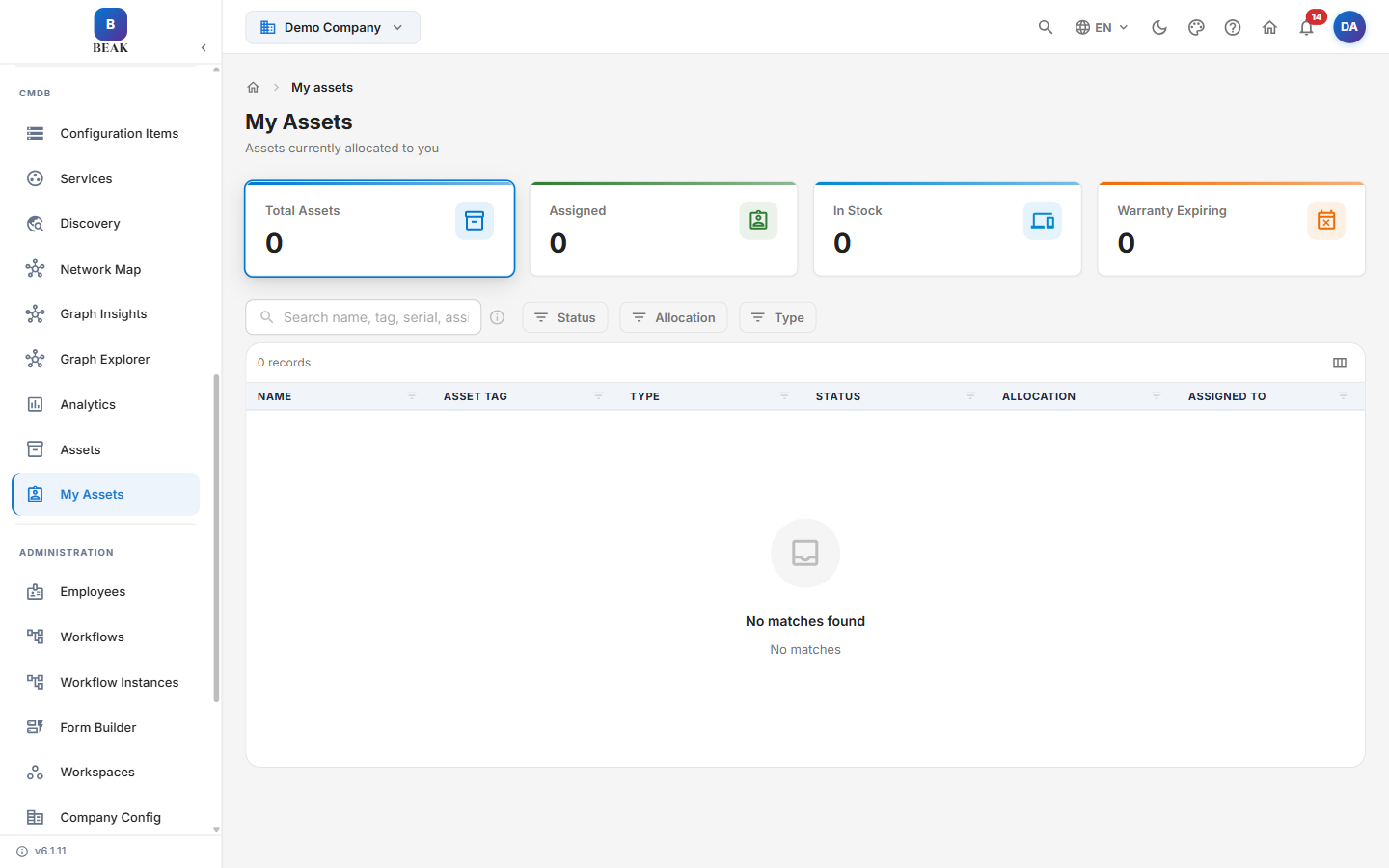
My CI Summary
The summary cards report on the CIs allocated to you:
- Total CIs — All configuration items assigned to you
- Active — CIs in an active operational state
- Critical — CIs rated with a critical criticality level
- In Maintenance — CIs currently flagged as under maintenance
Searching & Filtering
- Search — Find a CI by hostname, IP address, or serial number
- Type — Filter by CI type
- Status — Filter by operational status
- Environment — Filter by environment classification (e.g. Production, Staging)
- Criticality — Filter by criticality rating
Allocated CIs
Each allocated configuration item is listed with:
- Name — CI display name
- Type — Configuration item type
- Status — Current operational status
- Criticality — Business criticality rating
- Owner — The accountable owner of the CI
Adding a CI
- Add CI — Register a new configuration item and allocate it to yourself
Best Practices
- Review your assigned CIs regularly — Confirm that the items you own are accurate and report discrepancies to the CMDB owner.
- Keep criticality current — Accurate criticality ratings help prioritize incidents and changes affecting your CIs.
Related Pages
- Configuration Management Database (CMDB) — The full configuration item catalog and analytics
- Assets — The organization-wide IT asset register