Tenants
A tenant is a customer organisation. Every licence is issued to a tenant, and every client — an installation or business unit that consumes a licence — belongs to one. The Tenants page lists all organisations with their client and licence counts.
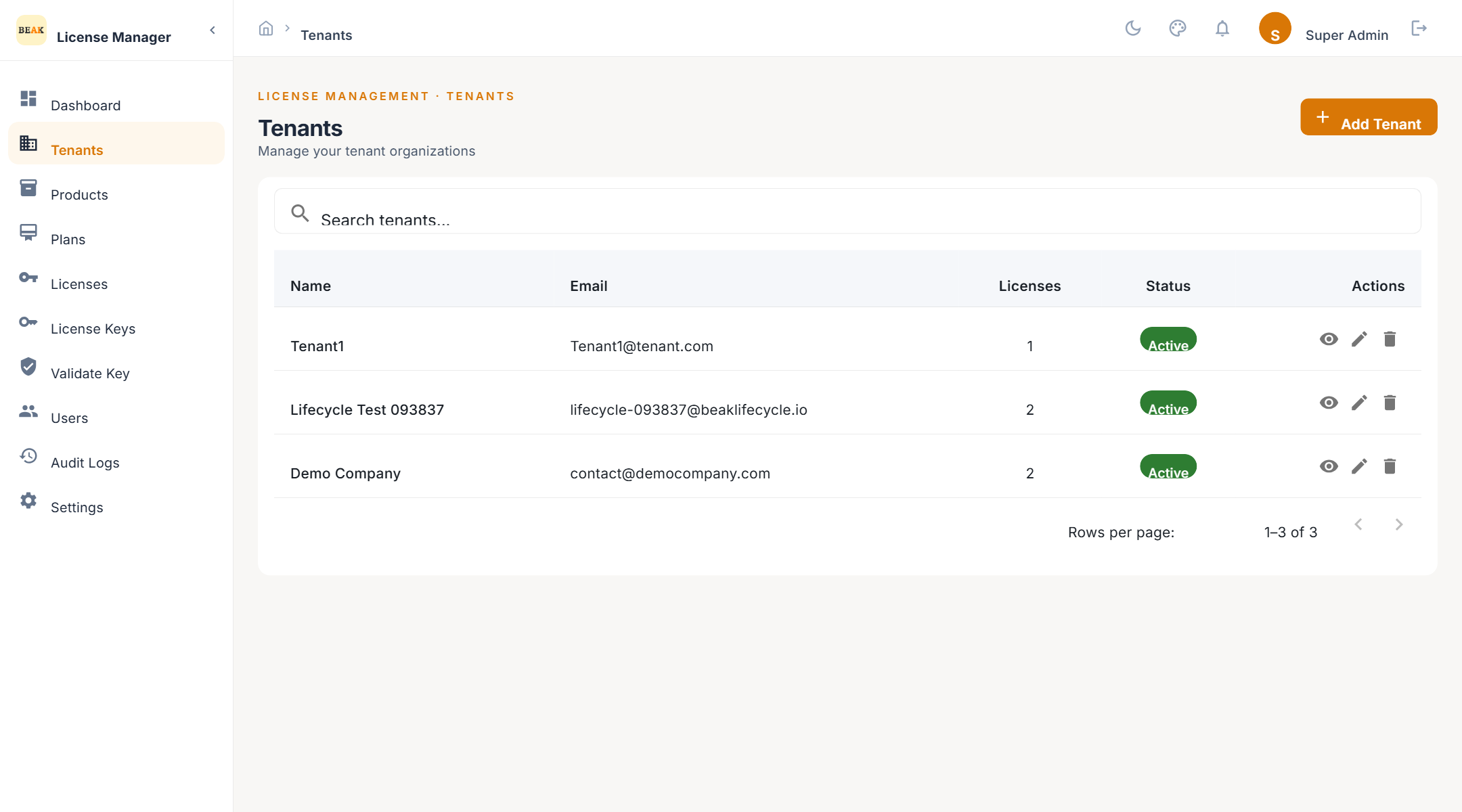
Tenant List
Each card or row shows the tenant's name, slug, domain, status, and how many clients and licences it holds. Use the search field to filter by name.
Adding a Tenant
- Click Add Tenant
- Enter the Name of the organisation
- Enter the contact Email — required, and used as the default recipient for licence emails
- Optionally add Phone, Domain, and Address
- Save
The slug — a URL-safe identifier — is derived from the name and used in API calls. The default client allowance is 10; adjust it on the tenant if the customer will run more installations.
Tenant Detail
Opening a tenant shows:
- Details — Contact information, domain, status, and the client allowance.
- Clients — The installations registered under this tenant. Add a client here or from a licence's detail page.
- Licenses — Every licence issued to this tenant, with product, plan, status, and expiry.
Deactivating a Tenant
Set the tenant to inactive rather than deleting it when a customer leaves. Deactivation keeps the licence and audit history intact. Deletion is available to Super Admins only and is intended for tenants created in error.
Best Practices
- One tenant per legal customer — Model regional offices or departments as clients inside the tenant, not as separate tenants, so licences and usage roll up correctly.
- Keep the contact email current — Expiry warnings and renewal reminders go to the tenant's contact address.