Plans
A subscription plan is a tier of a product. It fixes what a licence on that plan grants: the metric and its limit, the term, the number of clients, and the feature set. Licences are issued against a plan and inherit these values, which can then be adjusted per licence.
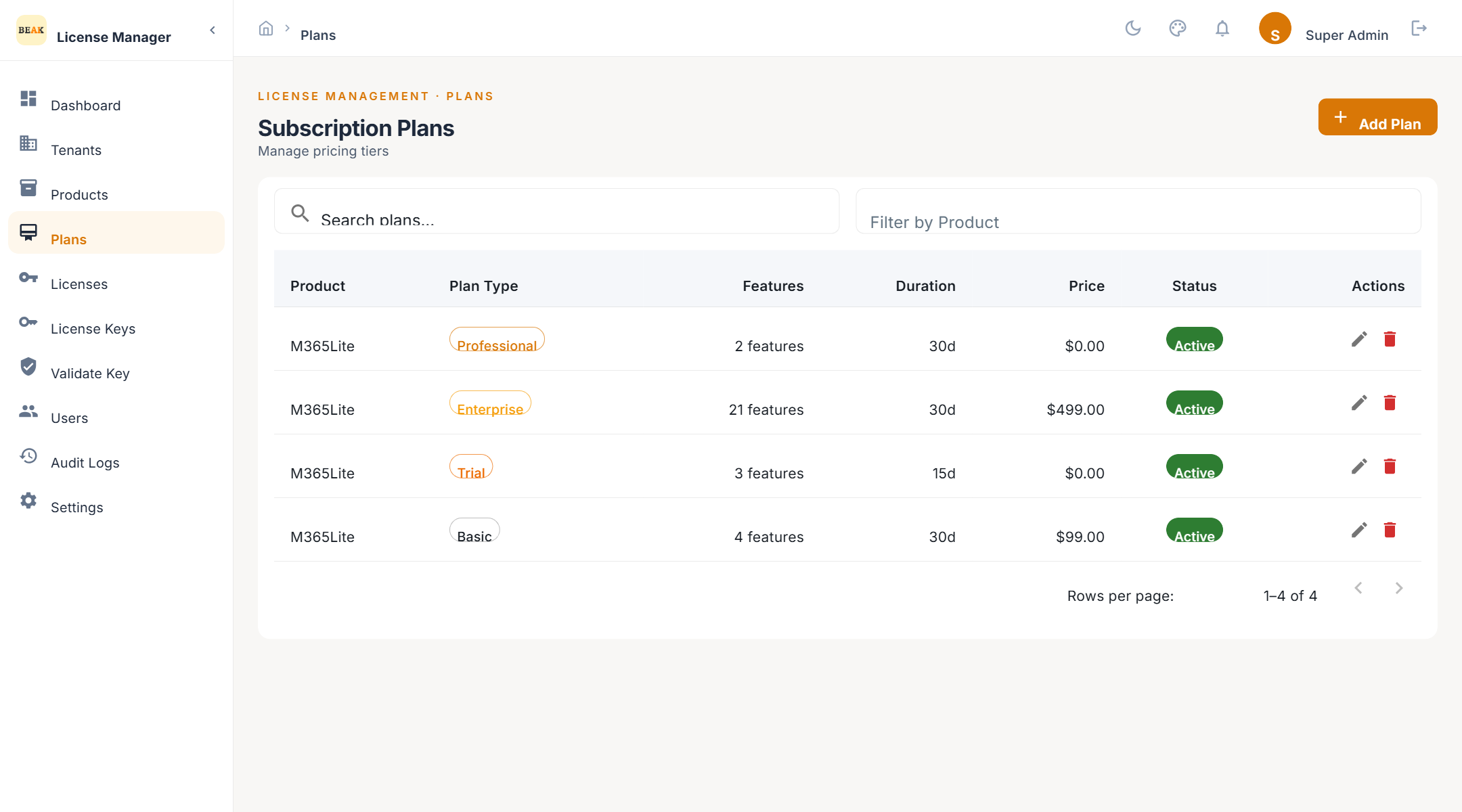
Plan List
Plans are listed with their product, plan type, metric and limit, duration, and status. Filter by product to see one product's tiers side by side.
Adding a Plan
- Click Add Plan
- Select the Product — the plan's feature choices and default metric come from it
- Choose the Plan Type —
Trial,Basic,Professional, orEnterprise - Enter the Unit — the metric limit, at least 1
- Set the term with Duration (days), or pick a From Date and To Date; the end date is calculated from the start date and duration
- Set Max Clients — how many installations may share a licence on this plan
- Tick the features the plan grants, or add a custom feature by name
- Optionally add a Description
- Save
- Plan code — Generated from the plan name and unique within the product. Creating a second plan with the same code for the same product is rejected.
- Plan types — Served by the backend, so the list in the form is always the set the API accepts.
- Features — Blank entries are rejected and duplicates are detected case-insensitively. A feature code not in the product's catalogue is accepted as a custom feature; the product will only honour codes it knows.
Note: Pricing is not captured in the plan form in this release. Plans are stored with a zero price in USD; commercial terms are held outside the Product Manager.
Editing and Deactivating
Editing a plan changes the defaults for licences issued from now on. Existing licences keep the values they were created with. Set a plan to inactive to stop new licences being issued on it without affecting existing ones.
Best Practices
- Model the real tiers only — Trial, Basic, Professional, and Enterprise map to plan types; use the unit limit and features to differentiate, not many near-identical plans.
- Use the product's catalogue — Prefer ticking catalogue features over typing custom codes. A custom code that the product does not recognise grants nothing in the product.
- Set Max Clients deliberately — It caps how many clients can be attached to a licence on this plan.